Top 13 Invoice OCR Software Solutions for 2026: Ranked & Reviewed

Top 13 Invoice OCR Software Solutions for 2026: Ranked & Reviewed

Author
The TallyScan Team
23 min read
#Invoice OCR#AP Automation#Data Extraction#Finance Tech#Accounting Tools

In the world of finance, "data entry" is a dirty word. It represents hours of lost productivity, inevitable human errors, and a bottleneck that slows down the entire business. Invoice OCR software is the cure, but the market is flooded with options ranging from simple mobile scanners to complex enterprise platforms.

We have evaluated 13 of the best invoice OCR solutions for 2026, mixing industry heavyweights with AI newcomers and covering a wider range of use cases than most comparison guides. Whether you run a five-person startup or a global AP team, there is a right tool on this list for your situation.

OCR vs. AI: The Evolution of Invoice Processing

Before looking at the tools, it is critical to understand the technology shift from "Legacy OCR" to "Modern IDP" (Intelligent Document Processing).

1. Legacy OCR (The "Dumb" Scanner)

Traditional OCR technology turns an image into machine-readable text but does not understand the meaning of that text.

  • The Problem: It relies on "Zonal OCR" or templates. You have to tell the software exactly where the "Total" is located for every single vendor.
  • The Result: If a vendor changes their invoice layout even slightly, the automation breaks, and you are back to manual entry.

2. Modern AI and IDP (The "Smart" Accountant)

Modern solutions combine OCR with Large Language Models (LLMs) and Computer Vision in what is known as Intelligent Document Processing.

  • How it works: The AI reasons about the document. It identifies the "Total" by its relationship to other data (like the sum of line items), regardless of where it appears on the page.
  • The Advantage: Zero templates required. It works on day one for any vendor, handles multi-page PDFs, and can decipher messy handwriting or blurry mobile photos.

Top 13 Invoice OCR Tools at a Glance

# Product Best For Starting Price Standout Feature
1 TallyScan SMBs, Startups, Accountants Free / $30/mo Email forwarding + >99% AI accuracy
2 Expensify Teams needing expense reports + OCR $20/mo (team) SmartScan + real-time spend control
3 Dext Prepare Accounting and bookkeeping firms Client-based Practice dashboard + auto-fetch from 700+ portals
4 Bill.com SMBs needing AP + payments $45/user/mo OCR linked directly to vendor payment execution
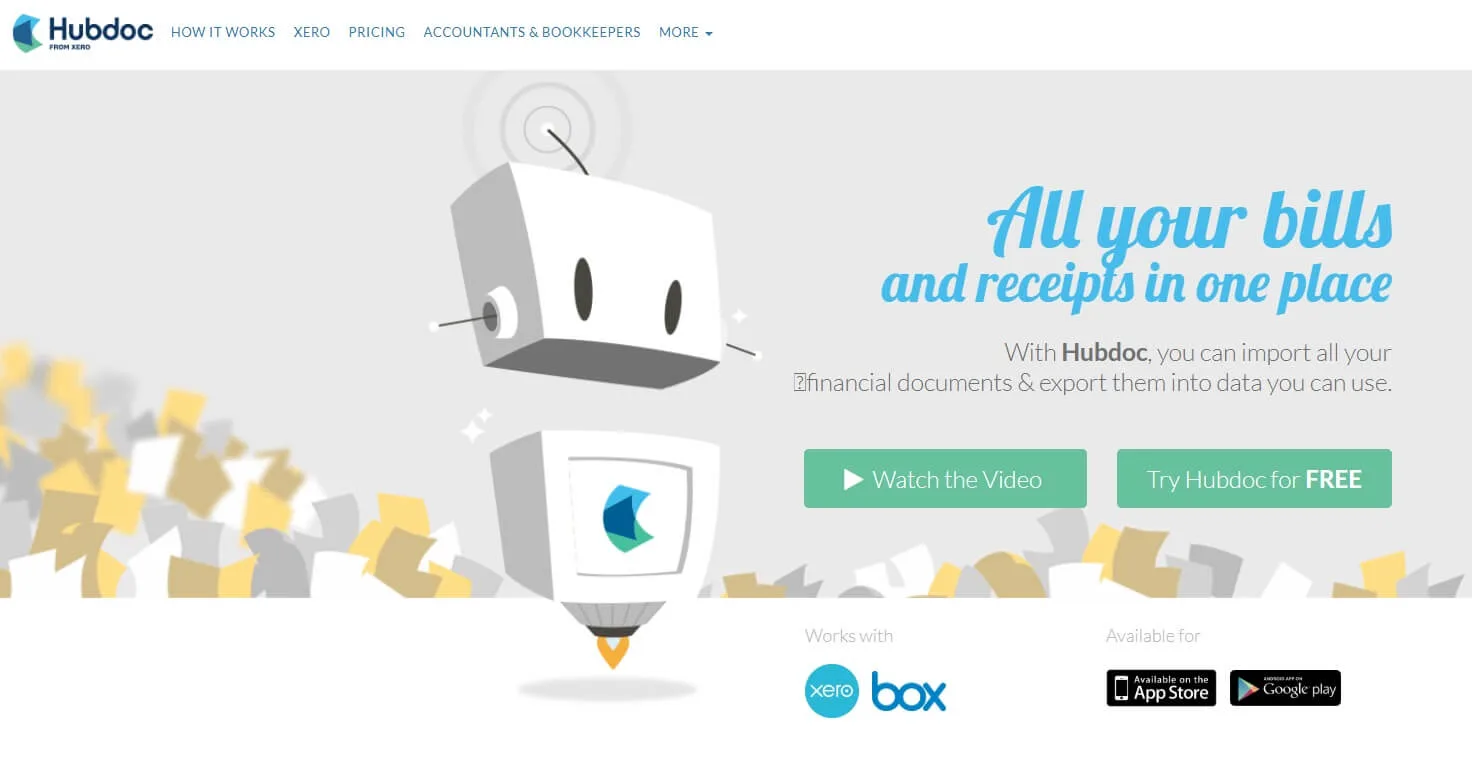
5 HubDoc Xero users and small businesses Included with Xero Auto-fetches bills from supplier portals automatically
6 Rossum High-volume enterprise AI Quote-based Aurora AI, zero template setup
7 Nanonets Dev teams, custom workflows Pay-as-you-go No-code workflow builder + custom model training
8 Tipalti Global AP + mass payments From $149/mo 196-country payments with built-in tax compliance
9 ABBYY FlexiCapture On-premise enterprise Quote-based 200+ languages, on-premise deployment
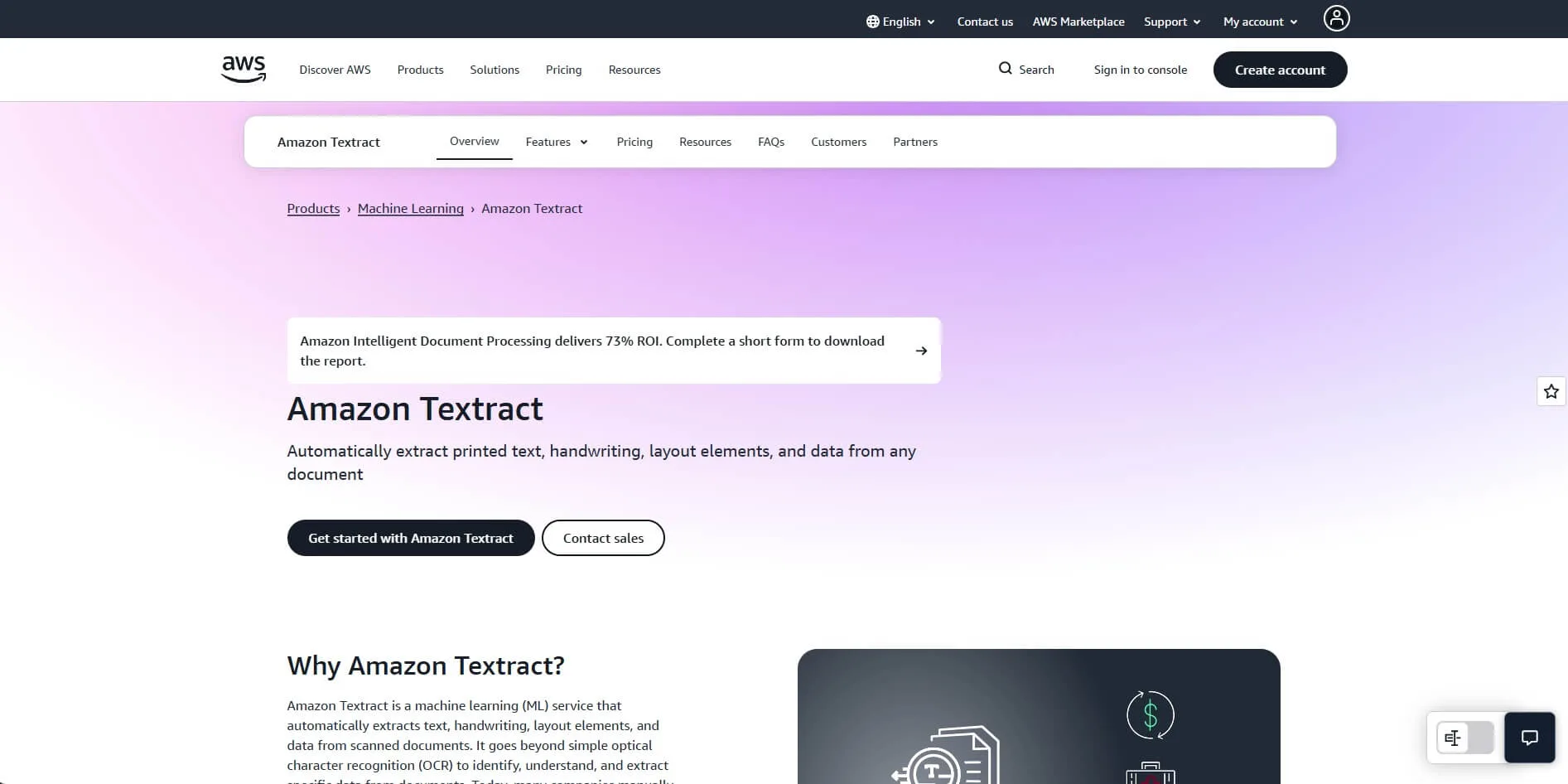
10 Amazon Textract AWS developers Pay-per-page AnalyzeExpense API, 100 pages/mo free tier
11 Google Document AI GCP / Google Workspace developers Pay-per-page Pre-built Invoice Parser with confidence scoring
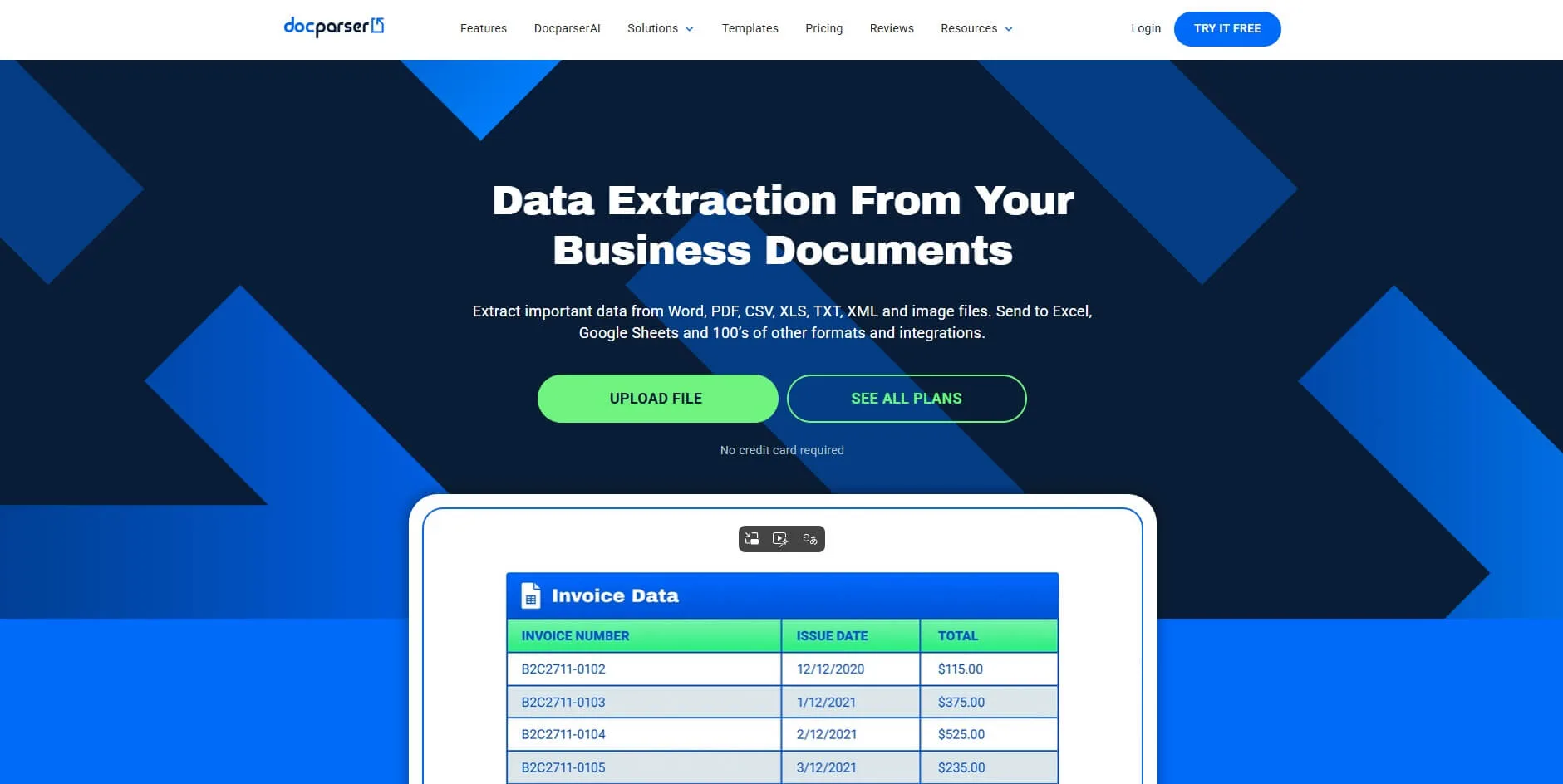
12 Docparser Fixed, repetitive invoice layouts From $39/mo Precise rule-based zonal extraction
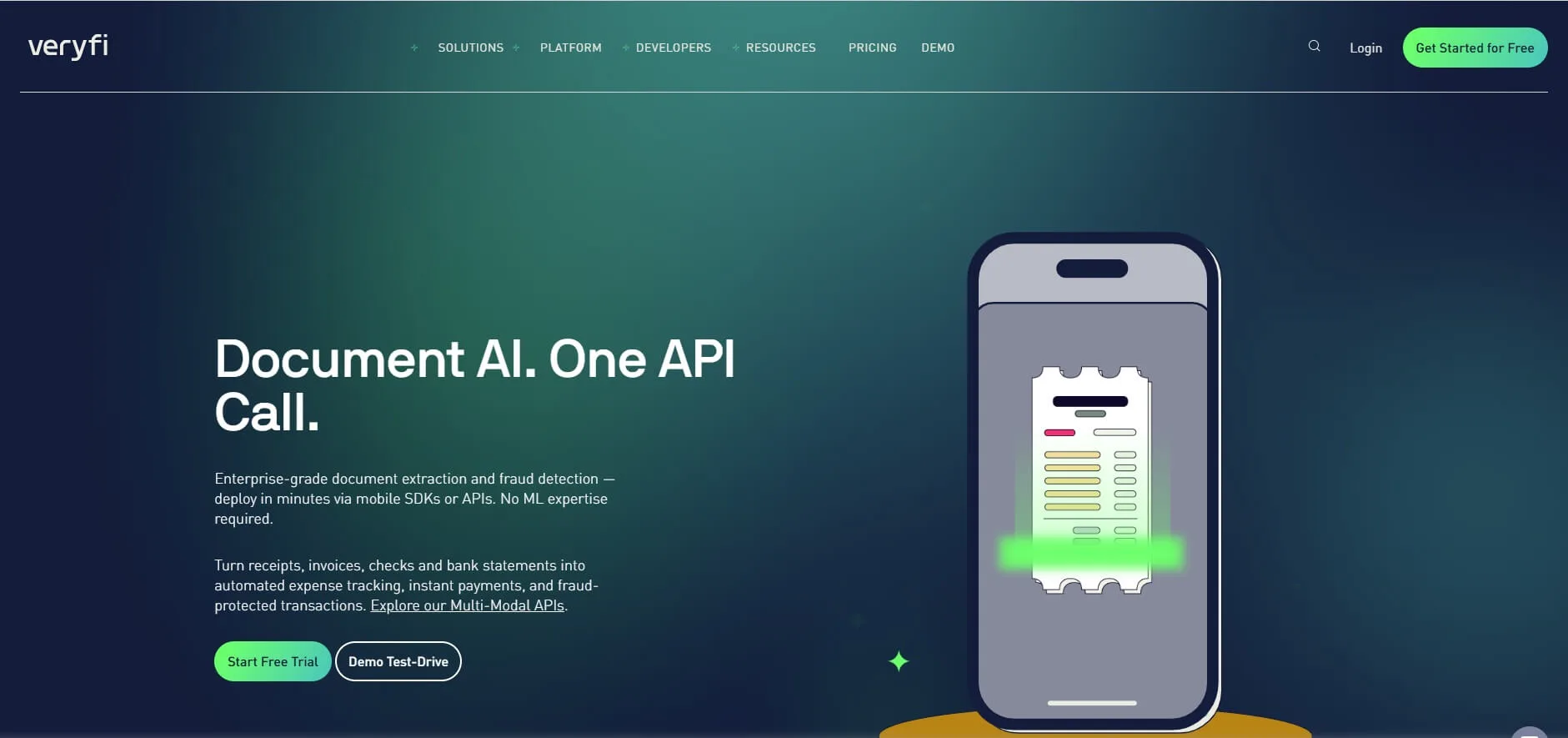
13 Veryfi Mobile app builders and fintech Usage-based Edge OCR, HIPAA-compliant mobile SDK

1. TallyScan – Best for Accuracy and Seamless Workflow

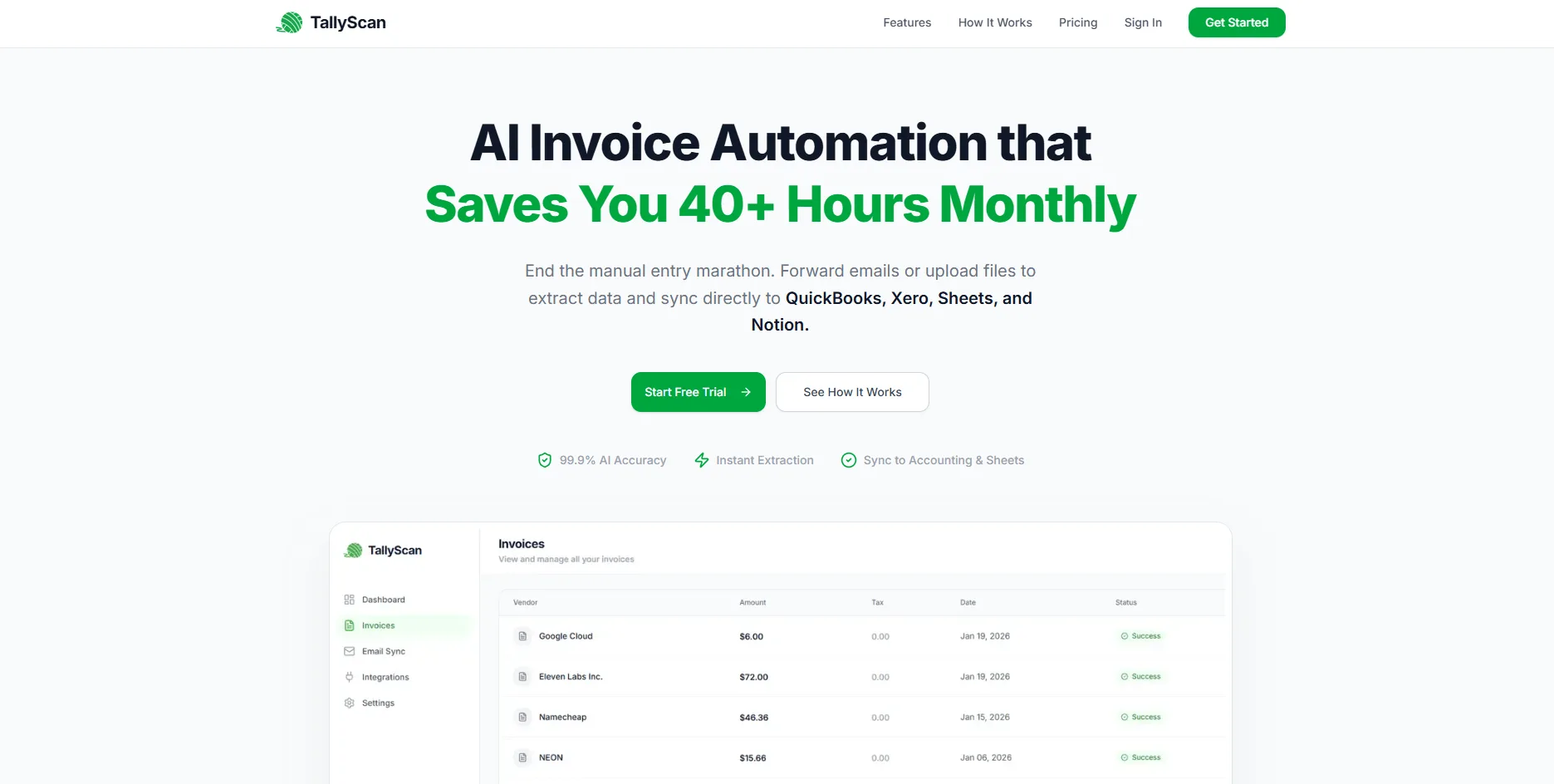
TallyScan is a modern, AI-driven automation platform designed to turn messy invoices and receipts into structured business data in seconds. It focuses on removing the friction of manual data entry through a "capture-anywhere" approach with a privacy-first model.

Key Features

  • Multi-Channel Capture: Direct upload, email forwarding (yourname@fwd.tallyscan.com), and mobile web capture are all supported in one dashboard.
  • Intelligent AI Extraction: Extracts 20+ fields including Vendor Name, Tax IDs, Date, Line Items, Subtotal, Tax, and Total Amount with >99% accuracy.
  • Direct Sync and Export: Native API integration with QuickBooks Online and Xero, plus one-click export to Google Sheets, Excel, and Google Drive.
  • Privacy-First Model: Unlike tools that scan your entire inbox, TallyScan only processes the documents you explicitly forward, eliminating unnecessary data exposure.

Final Assessment

  • Pros: Zero template setup, extremely high accuracy on line items, privacy-first email model, competitive pricing.
  • Cons: Currently focused on SMB accounting platforms (QuickBooks/Xero); not yet integrated with enterprise ERPs like SAP.
  • Pricing: Free plan (10 docs/month); paid plans from $30/month.
  • Best For: SMBs and accountants who want to automate AP in under 5 minutes without compromising data privacy.

TallyScan Home Page


2. Expensify – Best for Teams Combining Expense Reports and OCR

Expensify is one of the most widely adopted expense management platforms in the world, with over 10 million users. Its SmartScan technology automatically extracts data from receipts and invoices the moment a photo is taken, eliminating manual expense report creation entirely.

What sets Expensify apart is that it combines OCR capture with a complete expense workflow: scan a receipt, auto-populate the expense report, route it for manager approval, and sync the approved data to your accounting software, all in one platform.

Key Features

  • SmartScan OCR: Automatically reads merchant name, date, total, and category from any receipt or invoice photo. The system learns from corrections over time.
  • Concierge Auto-Submit: For recurring expenses that match a defined policy, Expensify can submit and approve expense reports automatically without any human action.
  • Corporate Card Integration: Links directly to Visa, Mastercard, and Amex corporate cards to auto-match transactions with scanned receipts.
  • Accounting Sync: Direct integrations with QuickBooks, Xero, NetSuite, and Sage Intacct.

Final Assessment

  • Pros: Massive user base means employees are often already familiar with it; strong mobile app; excellent for travel and entertainment expense categories.
  • Cons: OCR accuracy is good but not best-in-class for complex or multi-page vendor invoices; per-user pricing scales up for larger teams.
  • Pricing: Collect plan from $5/user/month; Control plan from $9/user/month; team plans from $20/month.
  • Best For: Companies of any size that need to manage employee expense reports alongside vendor invoice capture in a single, familiar platform.

Expensify


3. Dext Prepare – Best for Accounting and Bookkeeping Firms

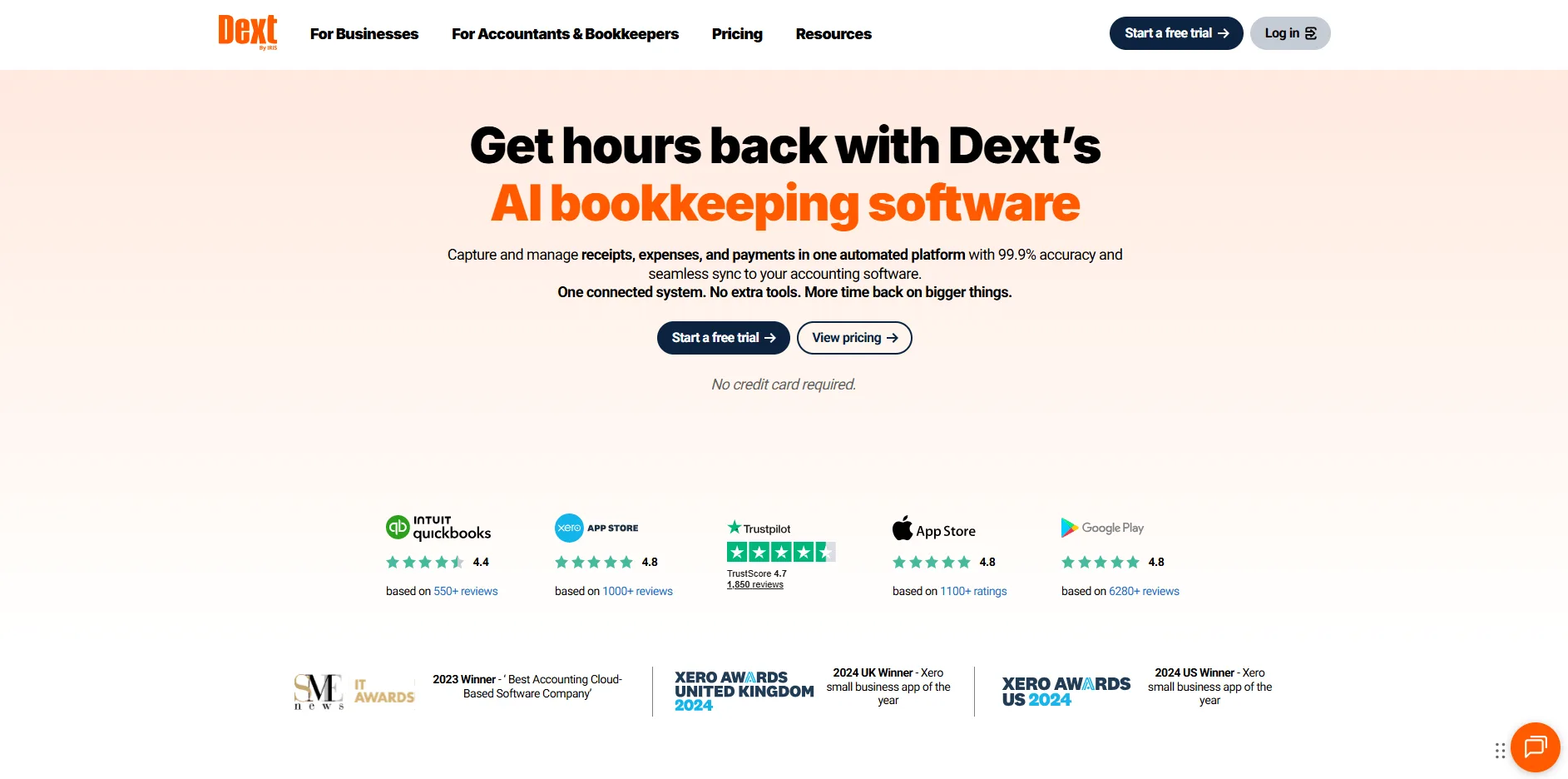
Dext (formerly Receipt Bank) is the industry standard for professional bookkeeping firms. It is designed to act as a bridge between a firm's many clients and the accountant's ledger, centralizing document collection across an entire client portfolio.

Key Features

  • Direct Fetch: Connects to over 700 supplier portals, including Amazon and utility companies, to automatically download bills as they are issued. No manual downloads needed.
  • Practice Dashboard: A unified view for accountants to manage the document flow of all their clients from one login, with client-level status and exception reporting.
  • Sales Invoice Extraction: Handles both accounts payable and accounts receivable documents, giving a complete picture of client cash flow.
  • Client Mobile App: Each client gets a branded mobile app to snap and submit receipts directly to their accountant's queue.

Final Assessment

  • Pros: Robust client portfolio management; excellent auto-fetch for recurring supplier bills; industry-standard in UK and Australian bookkeeping.
  • Cons: The interface can feel cluttered for new users; pricing has increased significantly for smaller practices recently.
  • Pricing: Tiered pricing based on number of clients and document volume; direct pricing available at dext.com.
  • Best For: Accounting and bookkeeping firms managing a large portfolio of small business clients who need centralized document collection.

Dext


4. Bill.com – Best for Integrated AP and Payments

BILL is more than an OCR tool. It is a full payment platform where invoice capture is the first step in a workflow that ends with the vendor getting paid. For SMBs that want to consolidate both the paperwork and the money movement into one system, BILL is a natural fit.

Key Features

  • Integrated Payments: Pay vendors via ACH, virtual card, or physical check directly from the dashboard after approving the extracted invoice.
  • Approval Routing: Set up multi-stage approval rules (e.g., Department Head, then VP, then CFO) with mobile-friendly approval notifications.
  • Vendor Network: Access to millions of vendors already enrolled in the BILL network, enabling faster digital payment setup.
  • Two-Way Sync: Native integrations with QuickBooks Online, Xero, and NetSuite, syncing approved bills and payments back to the ledger automatically.

Final Assessment

  • Pros: The convenience of extraction and payment in one platform; strong accounting integrations; trusted by hundreds of thousands of SMBs.
  • Cons: OCR accuracy is lower than specialized AI tools; per-user and per-transaction fees accumulate at scale.
  • Pricing: Essentials plan from $45/user/month plus transaction fees.
  • Best For: SMBs who want one platform to handle both the invoice paperwork and the actual vendor payment execution.

Bill.com


5. HubDoc – Best for Xero Users and Auto-Fetching Bills

HubDoc, acquired by Xero in 2018, is a document collection and OCR tool built specifically for small businesses and their accountants. Its key differentiator is not just extracting data from uploaded documents but automatically fetching bills and statements directly from supplier websites, banks, and utility portals on a scheduled basis.

Key Features

  • Auto-Fetch: Connects to over 700 financial institutions and suppliers to pull bills, statements, and receipts automatically. No manual downloading or uploading required.
  • OCR Extraction: Extracts vendor name, date, amount, and account information from fetched and uploaded documents.
  • Xero Integration: Published bills sync directly to Xero with the source document attached, creating an audit-ready workflow out of the box.
  • QuickBooks Online Integration: Also integrates with QBO for practices not exclusively on the Xero stack.

Final Assessment

  • Pros: Auto-fetch eliminates the biggest friction point for recurring supplier bills; included with Xero Business Edition and above at no extra cost.
  • Cons: OCR accuracy on complex or non-standard invoices is average; less powerful than dedicated AI platforms for high-volume AP teams.
  • Pricing: Included with Xero Business plans; standalone plan approximately $12/month.
  • Best For: Small businesses and accountants already on Xero who want automatic bill collection without any manual upload step.

HubDoc


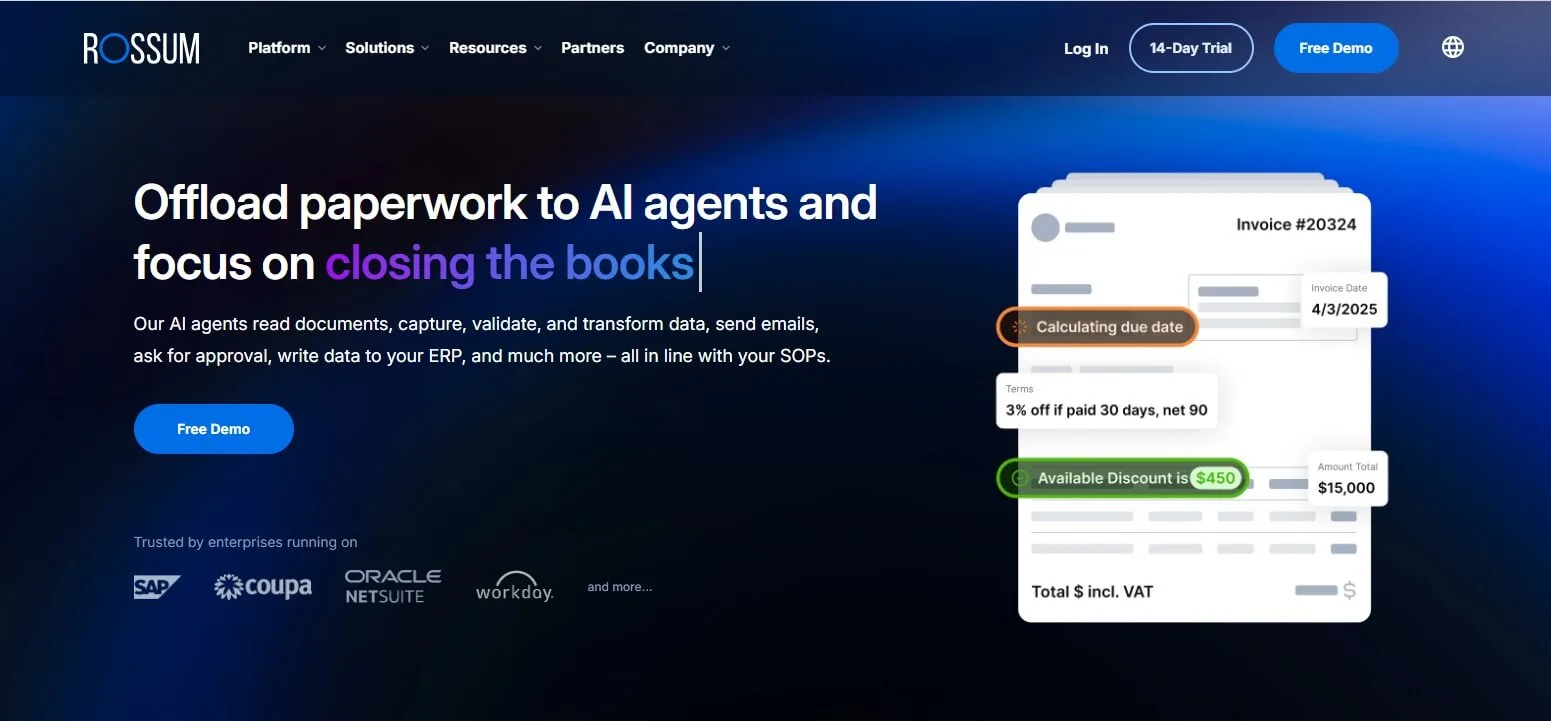
6. Rossum – Best for High-Volume Enterprise AI

Rossum is a cloud-native platform built around the Aurora AI engine, a deep learning model trained on tens of millions of documents that understands invoice structure without requiring any template setup. This zero-template approach means it works accurately from day one across unlimited vendor formats.

Key Features

  • Aurora AI: Understands invoice semantics without templates, handling any layout from any supplier.
  • Human-in-the-Loop Validation: When the AI is uncertain about a field, it surfaces only that specific field for human review rather than rejecting the entire document.
  • Enterprise Integrations: Robust API and pre-built connectors for NetSuite, SAP, and Microsoft Dynamics.
  • Duplicate Detection: Built-in detection for duplicate invoice submissions across the entire document history.

Final Assessment

  • Pros: Extremely scalable; best-in-class validation interface; excellent for complex, multi-page documents with diverse supplier formats.
  • Cons: High entry price; requires a meaningful implementation period for complex ERP workflows.
  • Pricing: Custom quote-based pricing (typically thousands of dollars per year for enterprise deployments).
  • Best For: Enterprises processing 5,000+ invoices per month with dedicated AP staff and complex ERP environments.

Rossum


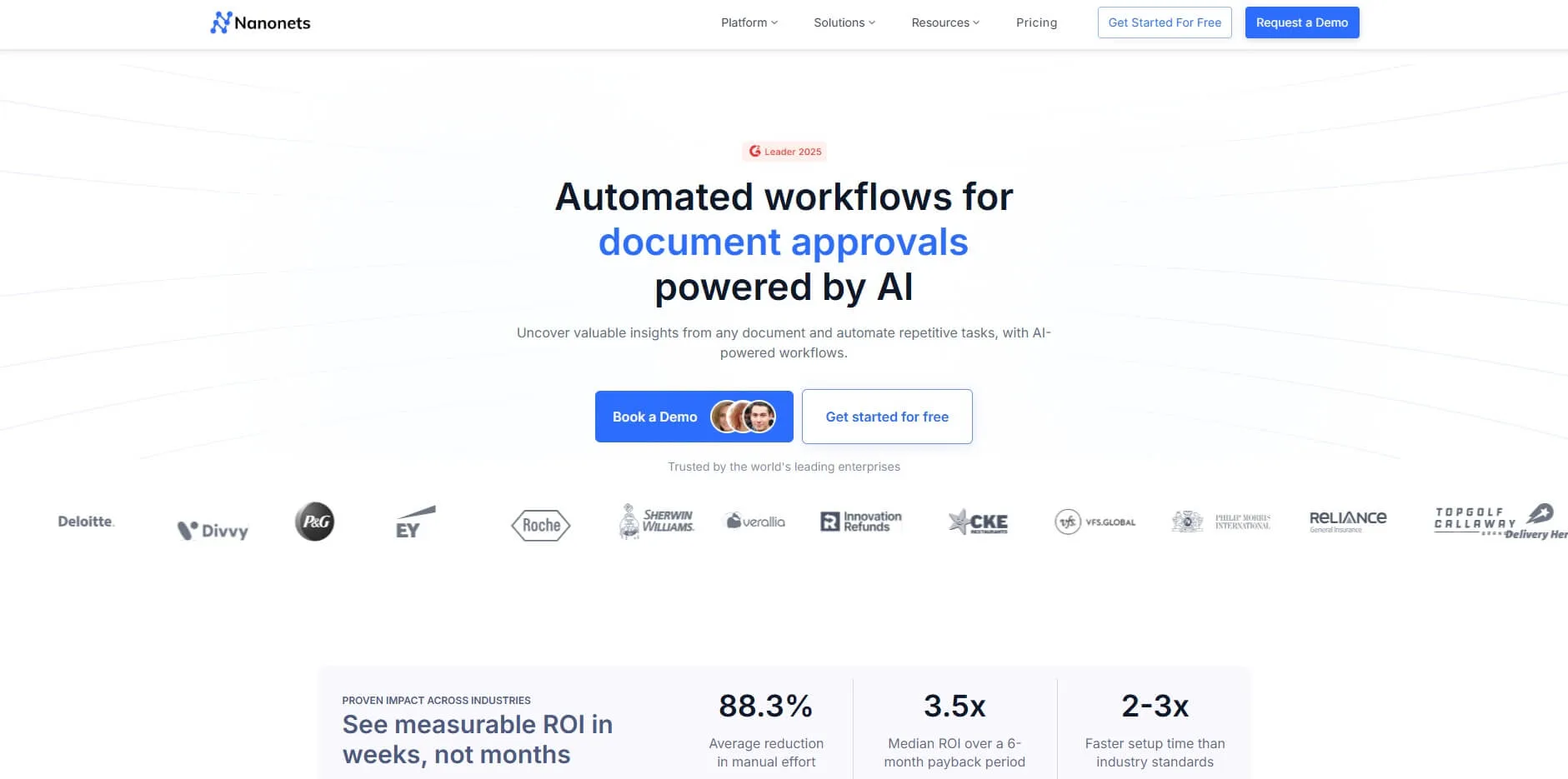
7. Nanonets – Best for Custom Document Workflows

Nanonets is an AI-first platform that allows businesses to build and train their own OCR models for virtually any document type. Its no-code workflow builder lets finance operations teams create end-to-end automation sequences by dragging and dropping processing blocks without writing code, while developers can go deeper via a fully documented API.

Key Features

  • No-Code Model Training: Upload 10 to 20 examples of a unique document layout and the AI learns how to extract data from it with high accuracy.
  • Automated Workflows: Build logic such as "If amount exceeds $1,000, send to Slack for manager approval" visually.
  • API-First Design: Excellent documentation for developers embedding extraction into proprietary software products.

Final Assessment

  • Pros: Incredible flexibility for non-standard documents; transparent usage-based pricing; strong pre-trained accuracy on standard invoices.
  • Cons: Complex workflows require meaningful initial configuration; costs can scale up at high page volumes.
  • Pricing: Free tier with starter credits; Pro plan from $499/month (includes 1,000 pages).
  • Best For: Tech-forward finance teams and developers who need to process varied document types beyond standard invoices.

Nanonets


8. Tipalti – Best for Global Mass Payments

Tipalti is an end-to-end AP automation platform where invoice OCR is one component of a broader suite that culminates in global payment execution. For finance teams that want a single platform to handle the entire payables lifecycle including tax compliance and cross-border remittance, Tipalti is the most comprehensive option on this list.

Key Features

  • Global Payments: Send mass payments to suppliers in 196 countries across 120+ currencies via 6 different payment methods.
  • Tax Compliance: Automatically collects and validates W-9, W-8, and 1042-S tax forms from vendors, reducing year-end compliance risk.
  • AI Smart Scan: Purpose-built OCR that feeds extracted invoice data directly into the global payment and approval engine.

Final Assessment

  • Pros: Unbeatable for international supply chains; handles complex global tax and regulatory compliance automatically.
  • Cons: Significant overkill for domestic-only small businesses; steep onboarding investment and per-transaction fees.
  • Pricing: From $149/month plus per-transaction and per-entity fees.
  • Best For: Mid-market companies with international contractors or a global supplier base who need payments and compliance in one platform.

Tipalti


9. ABBYY FlexiCapture – Best for On-Premise Enterprise

ABBYY is one of the most established names in the OCR industry, offering the most robust recognition engine for global enterprises with complex security and data residency requirements. It remains the benchmark for organizations that cannot place financial documents in a third-party cloud.

Key Features

  • On-Premise Deployment: One of the few major platforms that allows you to run the full software stack on your own local servers, which is essential for government, banking, and defense organizations.
  • 200+ Languages: Unmatched support for global character sets including Cyrillic, Asian, and Arabic scripts.
  • Advanced NLP: Combines OCR with Natural Language Processing to classify and route documents automatically.

Final Assessment

  • Pros: Industry-leading recognition accuracy; maximum data security and residency control; flexible deployment (cloud, on-premise, or hybrid).
  • Cons: Dated user interface; extremely high licensing and implementation costs; significant IT resources required.
  • Pricing: Quote-based enterprise licensing only.
  • Best For: Fortune 500 companies and regulated organizations with strict compliance requirements that prohibit cloud usage.

ABBYY


10. Amazon Textract – Best for AWS Infrastructure

Amazon Textract is not a standalone AP platform. It is the AI-powered document extraction engine from AWS that many AP tools are built on top of. Its AnalyzeExpense API is purpose-built for invoices and receipts, automatically identifying and extracting summary fields and line-item details in structured JSON format.

Key Features

  • AnalyzeExpense API: Extracts vendor name, invoice total, tax, and line items via a simple REST call. Results come back as clean, structured JSON.
  • AWS Ecosystem: Integrates natively with S3 (storage), Lambda (serverless processing), and DynamoDB (structured data storage).
  • Cost Efficiency: Pay per page with no infrastructure to manage. Free tier includes 100 pages per month.

Final Assessment

  • Pros: Extremely low cost at scale; no infrastructure management; handles tables and complex forms exceptionally well.
  • Cons: No built-in AP workflow, approval routing, or user interface. Requires developer time to build a usable solution.
  • Pricing: $0.01 per page for the AnalyzeExpense API; 100 pages/month free.
  • Best For: Engineering teams building custom invoice processing pipelines, internal AP tools, or fintech products on AWS infrastructure.

Amazon Textract


11. Google Document AI – Best for GCP and Google Workspace Developers

Google Document AI is Google Cloud's managed document processing service, featuring a pre-built Invoice Parser trained on Google's vast document datasets. Like Amazon Textract, it operates as an API-first service ideal for developers who want to integrate AI invoice OCR into GCP-native architectures or existing Google Workspace workflows without managing any ML infrastructure.

Key Features

  • Pre-Built Invoice Parser: Extracts vendor name, invoice number, date, due date, line items, subtotal, tax, and total from any invoice format, returning richly structured JSON with bounding-box coordinates for each field.
  • Confidence Scoring: Every extracted field includes a confidence score, making it straightforward to build exception-handling logic that routes low-confidence documents to human review automatically.
  • Google Workspace Integration: Connects natively with Google Drive, Google Sheets, and AppSheet, enabling no-code automation workflows for teams already working in the Google ecosystem.
  • Custom Model Training: Beyond the pre-built invoice processor, Document AI supports training custom models using the Document AI Workbench for specialized or proprietary document layouts.

Final Assessment

  • Pros: No ML expertise required; deep GCP and Google Workspace integration; strong confidence scoring aids exception handling; generous free tier.
  • Cons: API-only, no built-in AP workflow or approval UI; less mature than ABBYY or Rossum for highly complex enterprise document types.
  • Pricing: Pay-per-page. Free tier available under Google Cloud's standard Document AI pricing limits.
  • Best For: Development teams building invoice processing pipelines on GCP, or companies using Google Workspace and AppSheet to automate AP without writing custom backend code.

12. Docparser – Best for Fixed, Repetitive Layouts

Docparser focuses on "Zonal OCR." It is the most precise tool when your vendors never change their invoice designs and you need deterministic, predictable extraction from known layouts.

Key Features

  • Parsing Rules: Manually define zones on a document to extract specific data points with complete control over what is captured.
  • Table Extraction: Strong capabilities for extracting complex line-item tables from fixed-format PDFs.
  • Workflow Integration: Send parsed data to 100+ apps via Zapier, Make, or Webhooks with minimal configuration.

Final Assessment

  • Pros: Near 100% accuracy once a template is configured; very affordable for high volumes of consistent documents.
  • Cons: Brittle by design. If a vendor moves a column or updates their template, the parser breaks and requires manual adjustment.
  • Pricing: From $39/month, scaling with document volume.
  • Best For: Businesses dealing with high volumes from a small, consistent group of suppliers such as logistics or manufacturing companies.

Docparser


13. Veryfi – Best for Mobile Apps and Fintech Developers

Veryfi offers an exceptionally fast, edge-based OCR engine designed to be embedded directly into other applications. It is less a standalone AP tool and more an OCR infrastructure layer for developers who need fast, privacy-respecting document extraction in their own products.

Key Features

  • Mobile SDK: Drop Veryfi's scanning capability directly into iOS or Android apps with minimal integration effort.
  • Real-Time Edge Processing: Extracts data in under 2 seconds, often processing on the device itself without requiring a cloud upload for initial extraction.
  • Privacy by Design: HIPAA and GDPR compliant with "Shield" technology that masks sensitive personal data fields before transmission.

Final Assessment

  • Pros: Fastest extraction speed on the market; ideal for mobile-first workflows; strong compliance certifications.
  • Cons: An API and SDK, not a ready-to-use finance dashboard; no built-in payment or ledger sync.
  • Pricing: Usage-based API pricing; plans scale with page volume.
  • Best For: Fintech startups and product teams building their own expense tracking, receipt capture, or accounting applications with embedded OCR.

Veryfi


Full Comparison: All 13 Tools at a Glance

Product Core Capability Best For Starting Price Accounting Integration Key Differentiator
TallyScan Email-first AI capture SMBs, accountants Free / $30/mo QuickBooks, Xero, Google Drive Privacy-first email forwarding; >99% accuracy
Expensify Expense reports + SmartScan OCR Teams, travel-heavy orgs $20/mo team QuickBooks, Xero, NetSuite, Sage Largest installed base; corporate card sync
Dext Prepare Practice management + auto-fetch Accounting firms Client-based QuickBooks, Xero 700+ portal auto-fetch; client portfolio view
Bill.com OCR + integrated vendor payment SMBs needing bill pay $45/user/mo QuickBooks, Xero, NetSuite End-to-end: capture to payment in one platform
HubDoc Auto-fetch + OCR for small biz Xero users Included with Xero Xero, QuickBooks Included free with Xero; automatic bill collection
Rossum Template-free enterprise AI High-volume enterprise Quote-based SAP, NetSuite, MS Dynamics Aurora AI; zero template setup at any scale
Nanonets Custom AI models, no-code workflows Dev teams, custom docs Pay-as-you-go API to any system No-code workflow builder + custom model training
Tipalti Full AP lifecycle + global payments Global mid-market From $149/mo NetSuite, Sage Intacct 196-country payments + tax compliance built in
ABBYY FlexiCapture Enterprise OCR, on-premise Regulated enterprise Quote-based SAP, Oracle, custom 200+ languages; on-premise deployment option
Amazon Textract Document extraction API (AWS) AWS developers Pay-per-page Custom via API AnalyzeExpense API; 100 pages/mo free
Google Document AI Invoice Parser API (GCP) GCP / Google Workspace developers Pay-per-page Google Drive, Sheets, AppSheet Pre-built Invoice Parser; rich confidence scoring
Docparser Rule-based zonal OCR Fixed-layout invoices From $39/mo Zapier to any system Deterministic rule-based extraction
Veryfi Edge OCR mobile SDK Fintech app developers Usage-based Custom via API Sub-2-second edge processing; HIPAA compliant

Strategic Guide: How to Choose the Right Invoice OCR Software

Selecting an automation partner is a high-stakes decision. Evaluate your shortlist against these five critical dimensions before committing.

1. What is Your Primary Invoice Source?

If invoices arrive via email, TallyScan or HubDoc offer the lowest-friction setup. If you need to auto-fetch from supplier portals on a schedule, Dext Prepare is the strongest option. If you are building a custom pipeline or embedding OCR in an app, Textract, Google Document AI, or Veryfi are better foundations. If you require on-premise deployment, ABBYY FlexiCapture is the benchmark.

2. How Diverse Are Your Vendor Invoice Formats?

For a small, consistent supplier set, Docparser's rule-based approach is precise and affordable. For hundreds of vendors with varying layouts, you need AI-first tools like Rossum, Nanonets, or TallyScan that work without any template configuration.

3. Do You Need Only OCR, or End-to-End AP?

Pure extraction tools (Textract, Google Document AI, ABBYY) deliver structured data but stop there. You will need to build approval workflows separately. Platforms like BILL, Tipalti, and Expensify handle the full cycle from capture through payment.

4. What Does Your Accounting Stack Look Like?

Confirm native integrations before anything else. QuickBooks and Xero users are well served by TallyScan, Dext, BILL, or HubDoc. NetSuite and Sage Intacct shops should evaluate Tipalti or Rossum. SAP and Oracle environments should look at Kofax ReadSoft or ABBYY. GCP and Google Workspace teams should consider Google Document AI first.

5. The "Crumple Test"

Before signing any contract, run a pilot with your worst-case documents: faded thermal paper, handwritten cash invoices, multi-page PDFs with 50+ line items. If the AI requires you to manually correct more than 10% of fields, it has not solved your problem. It has just moved the data entry to a different screen.


Frequently Asked Questions About Invoice OCR Software

What is invoice OCR software?

Invoice OCR software uses Optical Character Recognition and AI to automatically read invoices in any format (PDF, scanned image, email attachment), extract key data fields such as vendor name, invoice number, date, and line-item amounts, and deliver that structured data to an accounting or ERP system without manual entry.

How accurate is AI invoice OCR?

Accuracy varies significantly by tool and invoice complexity. Modern AI-powered platforms report 95 to 99% field-level extraction accuracy on well-structured invoices. The most effective tools combine AI extraction with a human review step for low-confidence fields, maintaining high overall accuracy even on difficult documents.

What is the difference between OCR and IDP for invoices?

OCR converts an invoice image into machine-readable text. Intelligent Document Processing goes further: it uses AI to understand the meaning of that text, classifying which block is the "total" versus the "subtotal," identifying document type, and validating extracted values against business rules. IDP is significantly more accurate and reliable for variable or complex invoice formats.

Can invoice OCR software integrate with QuickBooks or Xero?

Yes. Most modern platforms offer native integrations with QuickBooks Online and Xero. TallyScan, Dext, BILL, and HubDoc all include direct sync with both platforms. API-first tools like Textract and Google Document AI can integrate with any system via custom development.

Is invoice OCR safe for financial data?

Yes, provided you choose a reputable provider. Look for SOC 2 Type II compliance as the baseline security standard. Also evaluate whether the platform requires full inbox access (higher privacy risk) or supports a privacy-first model like email forwarding where only explicitly sent documents are processed.

How much does invoice OCR software typically cost?

Entry-level plans for SMBs start around $20 to $50 per month with limits on document volume. Mid-market platforms like Tipalti start at $149 per month. Enterprise platforms such as Rossum and ABBYY are quote-based and typically cost thousands of dollars per year. When evaluating pricing, calculate the effective cost per document and the labor hours saved per invoice rather than comparing headline monthly fees.

How long does implementation take?

For modern tools with native accounting integrations, basic setup can be completed in under an hour. A full company-wide rollout including integrations, policy configuration, and team training typically takes 2 to 4 weeks. API-first tools like Textract and Google Document AI require developer time to build a custom workflow and can take longer depending on scope.

Ready to stop typing and start growing? Start your free trial with TallyScan today and see how our AI transforms your AP workflow in minutes.