As we move through 2026, the global market for invoice processing automation is expected to surpass $10 billion. For business owners, the question is no longer if they should automate, but which platform offers the intelligence to handle the messiness of real-world finance.
Manual data entry is the "silent growth killer." When your team spends 40% of their week deciphering blurry PDFs or manually typing tax IDs into a ledger, they aren't just doing "chores." They are introducing risk. One misplaced decimal can lead to a failed audit, a missed tax deduction, or a strained relationship with a key supplier.
In this comprehensive 2026 guide, we break down the top 10 invoice automation software solutions, diving into their technical DNA, pricing philosophies, and specific use cases.
1. Bill.com: The Enterprise Standard for Accounts Payable
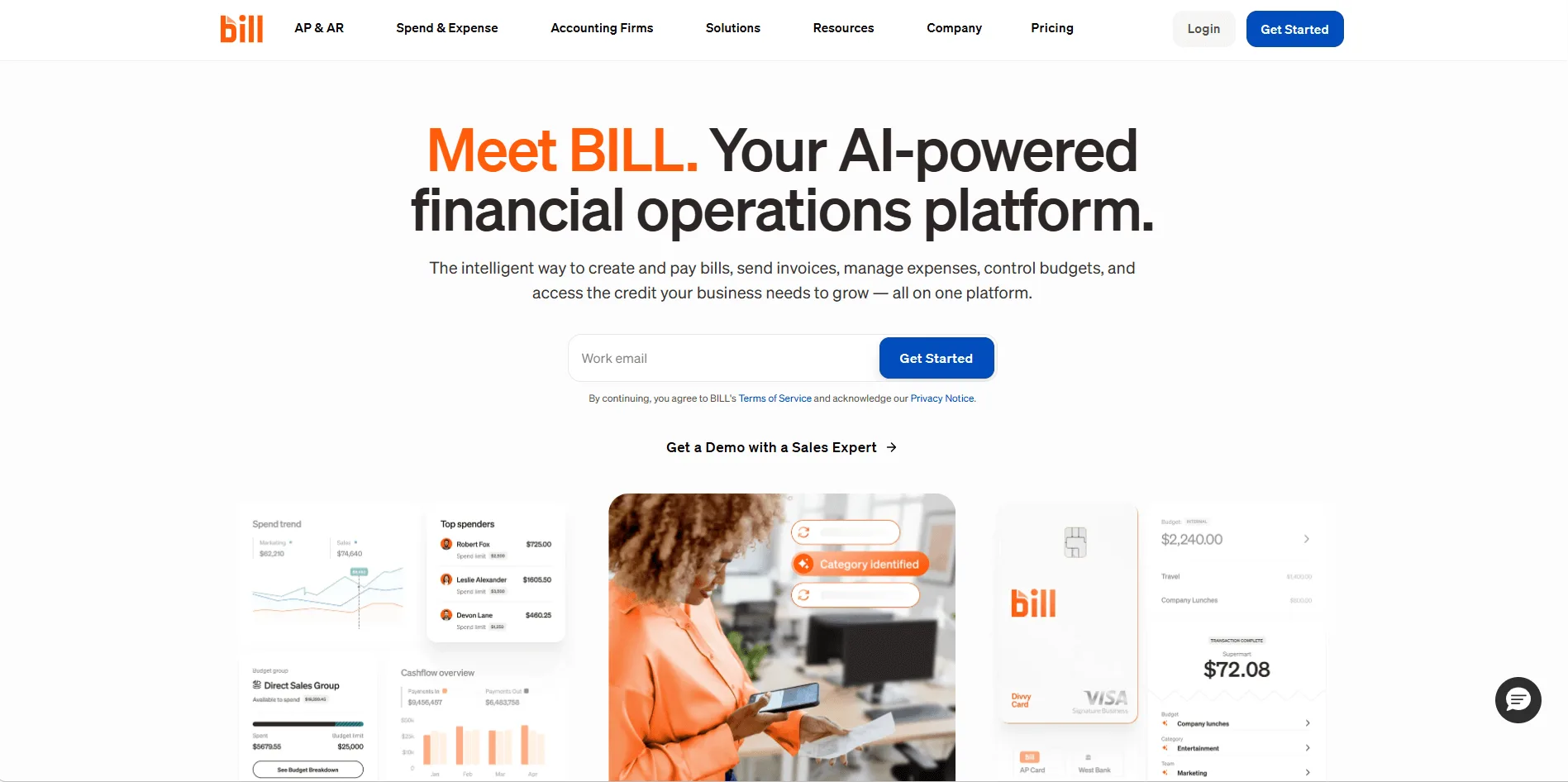
Bill.com remains the "incumbent heavyweight" for mid-sized to enterprise companies. It is far more than an extraction tool; it is a full-stack financial command center that connects your bank accounts, your ledger, and your vendors.
The Workflow Powerhouse:
The platform’s greatest strength is its hierarchical approval engine. For a large organization, an invoice isn't just "paid." It's approved by a department manager, verified by an AP clerk, and finally authorized by the CFO. Bill.com handles these complex "If/Then" routing rules with enterprise-grade audit trails. It also features a "Virtual Assistant" that attempts to pre-populate bills, though it still relies heavily on user verification.
- Best For: Mid-to-large enterprises with multi-layered approval chains. For example, a construction firm where a site foreman, a project manager, and the CFO all need to digitally sign off on a $50,000 subcontractor payment before the funds are released.
- Key Feature: Hierarchical Approval Engine. You can build granular logic (e.g., "Any invoice over $1,000 from a new vendor must be routed to the VP of Operations") that ensures compliance and prevents internal fraud.
- Limitation: High setup friction and "clunky" UI. The interface feels like a legacy enterprise tool, and the pricing (which combines per-user fees with per-transaction fees, especially for ACH and paper checks) can become a significant overhead for low-margin businesses.
- Official Website: Bill.com
2. QuickBooks Online: The Ecosystem Source of Truth
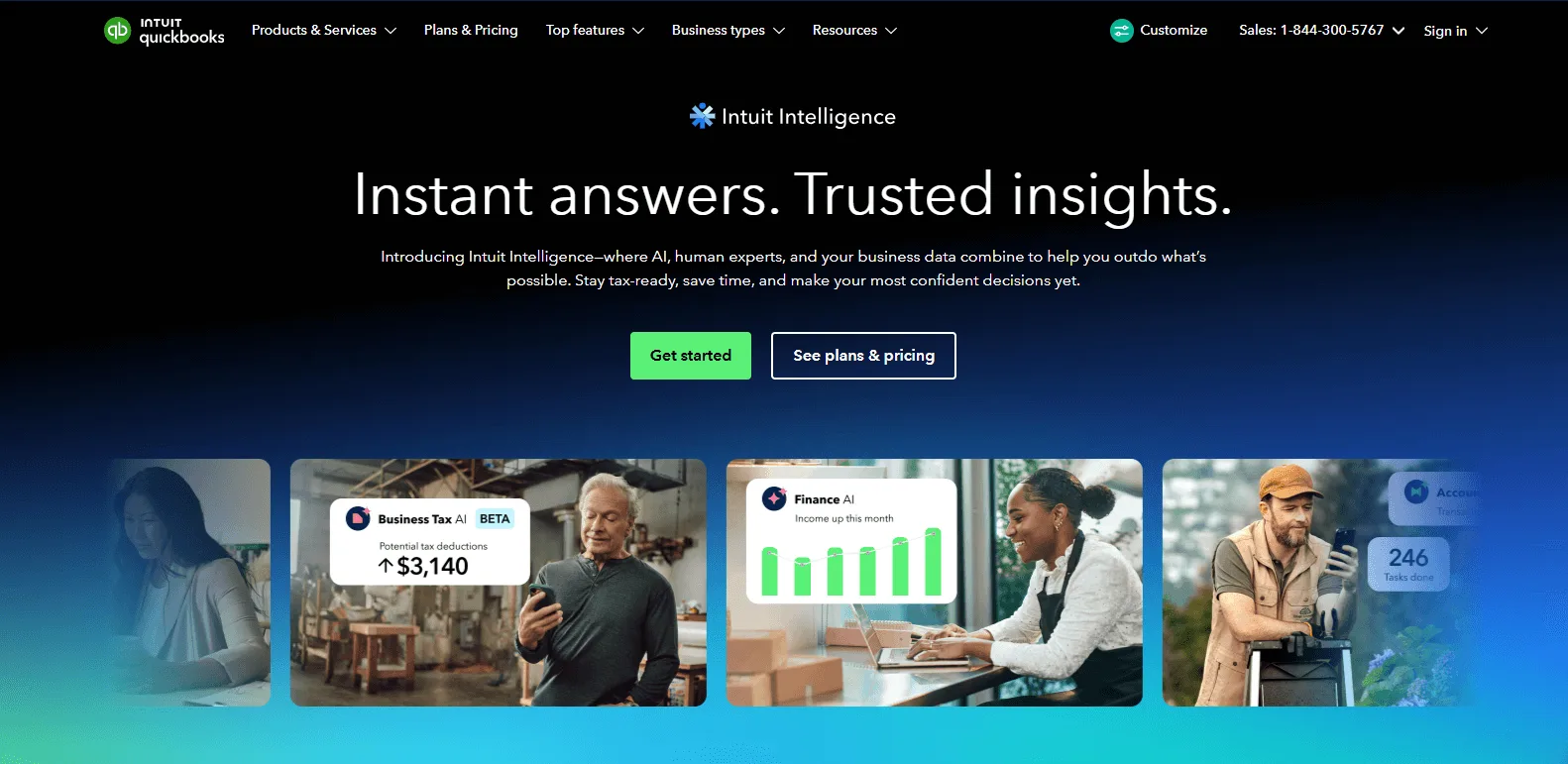
For the millions of businesses already using QuickBooks, the path of least resistance is their built-in "Receipt Capture" and "Bill Pay" features.
Seamless but Simple:
The "magic" of QuickBooks is the lack of a sync button. When you snap a photo of a receipt via their mobile app, the data lands directly in your "Banking" tab. If it matches a bank feed transaction, it’s a one-click reconciliation. However, their automation is built for simplicity, not high-volume complexity. It works perfectly for a coffee shop's utility bills, but often stumbles on a 10-page construction invoice with 50 line items.
- Best For: Small business owners and solopreneurs already in the Intuit ecosystem. For instance, a local florist who wants to snap a picture of a flower delivery receipt and have it immediately available in their bank reconciliation tab without exporting CSVs.
- Key Feature: Native Ecosystem Integration. Because the extraction happens inside the ledger, there is no "sync lag." Data moves from your camera to your balance sheet with zero middleware.
- Limitation: Accuracy Plateau. While great for simple receipts, their legacy OCR engine often chokes on multi-page PDF invoices, complex tax breakdowns (like VAT vs. GST), or blurry fonts, often requiring you to manually "babysit" and correct the data.
- Official Website: QuickBooks Online
3. TallyScan: The AI Reasoning & Privacy Specialist
TallyScan represents the "New Generation" of invoice ai. While the giants are busy building banks and credit cards, TallyScan has obsessively focused on one technical problem: Contextual Understanding.
Reasoning over Reading:
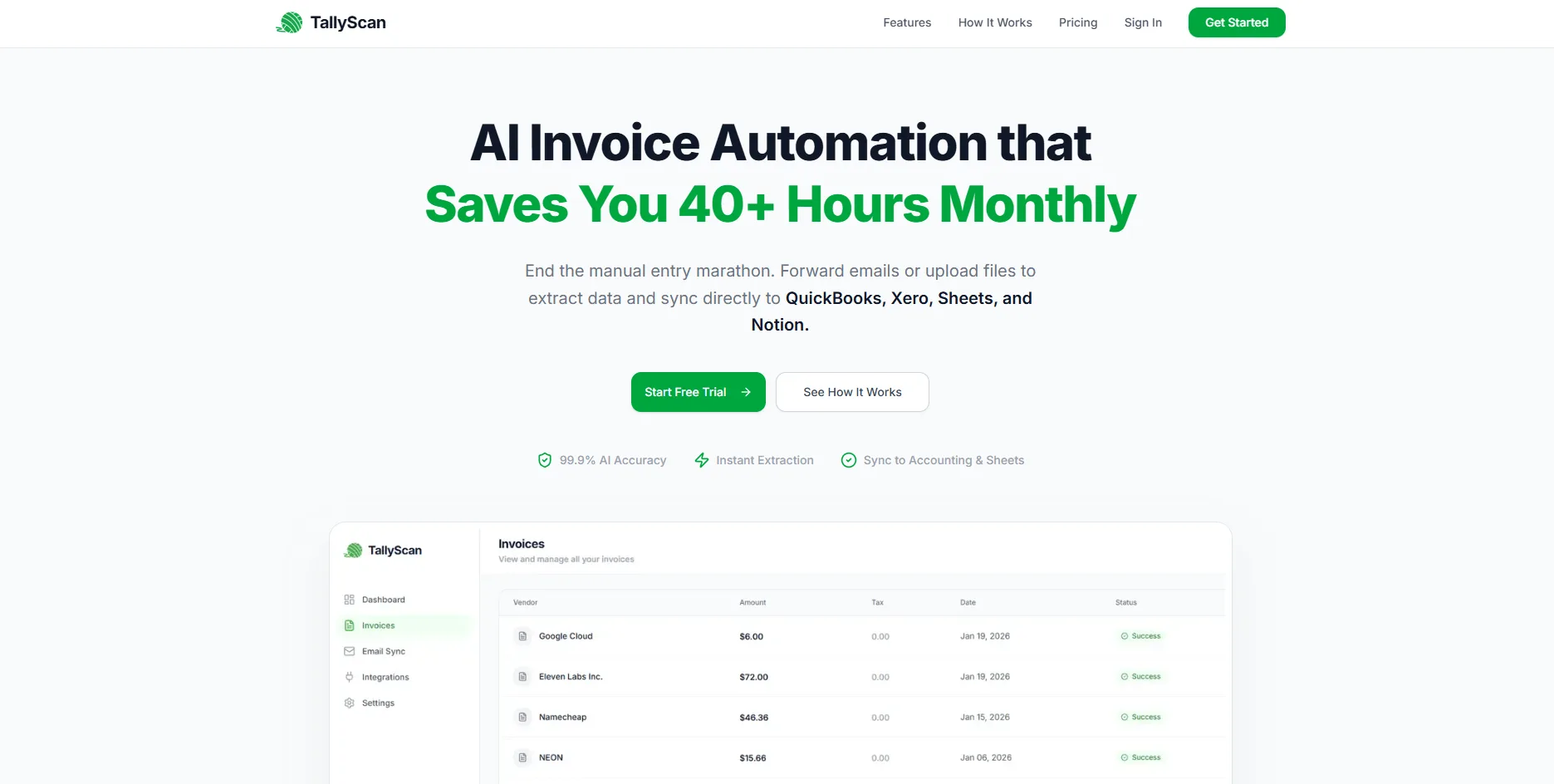
Most tools use OCR to "read" characters. TallyScan uses Large Language Models (LLMs) from OpenAI and Google Gemini to reason about the document. It doesn't just look for the word "Total"; it calculates Subtotal + Tax - Discount to verify the math is correct. It handles multi-line items, different tax jurisdictions (VAT/GST), and even handwritten notes with >98% precision.
The Privacy Revolution:
In 2026, many AI automation tools require "Full Access" or "Full Read/Write" permissions to your entire business email account to function. While this "auto-scanning" approach is convenient, it introduces a massive privacy and security liability. For business professionals, your inbox contains sensitive negotiations, private contracts, and privileged communications that should never be exposed to a third-party processing engine.
TallyScan adheres to the Privacy-First model. Instead of asking for the keys to your entire digital life, we use a combination of Secure Email Forwarding and Manual Uploads. You get a dedicated, private address (yourname@fwd.tallyscan.com), and you decide exactly which documents enter the workflow. This approach maximizes data security while minimizing the permission footprint required from the user, ensuring your private conversations remain truly private.
- Best For: Tech-savvy startups and privacy-conscious professional services (Law, Consulting). For example, a law firm that cannot grant "Read All" access to their Gmail inbox due to attorney-client privilege but still needs to automate 200 vendor invoices a month.
- Key Feature: Contextual AI Reasoning. Unlike OCR, TallyScan's AI "understands" the document. If a vendor puts the "Total" in a non-standard location or uses a creative font, the AI still identifies it by calculating the relationship between the subtotal and tax.
- Limitation: Pure Data & Sync Engine. TallyScan focuses on extraction and syncing to your ledger; it does not execute the actual wire transfer or ACH payment itself. You still need to click "Pay" inside QuickBooks or Xero.
- Official Website: TallyScan
4. Xero: The Cloud-Native Creative Choice
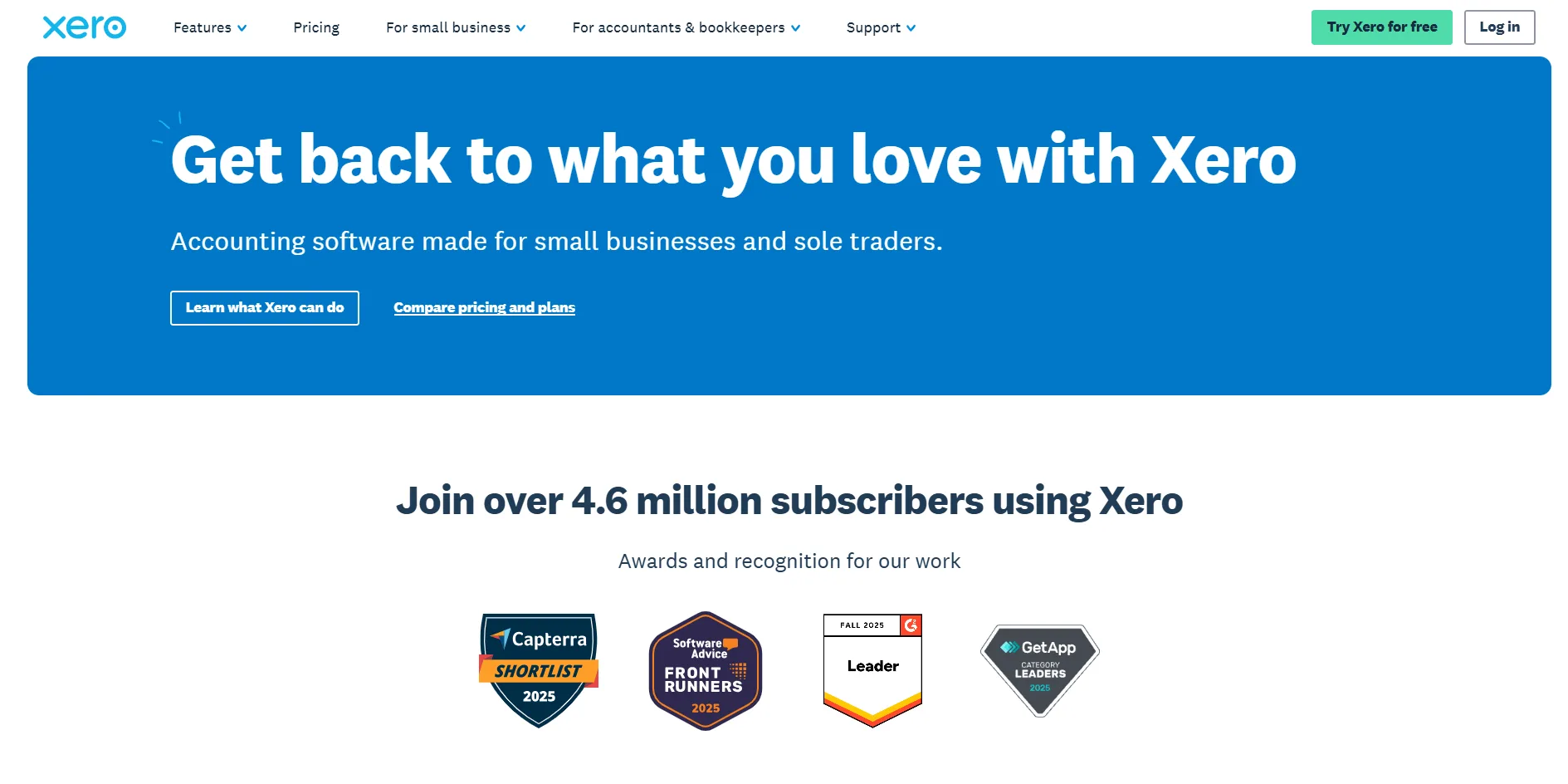
Xero has always been the "cool" alternative to QuickBooks, favored by designers, agencies, and tech-forward startups. Its acquisition of Hubdoc made invoice automation a core part of its value proposition.
The Reconciliation King:
Xero’s UI is built around the "Bank Feed." When Hubdoc extracts a bill, it pushes it to Xero as a "Draft Bill." Xero then highlights the match in your bank statement in green. It’s incredibly satisfying and clear. For businesses operating across borders (e.g., a UK company with a US subsidiary), Xero’s multi-currency reporting is generally considered superior to QuickBooks.
- Best For: International startups and creative agencies. For example, a design agency in London with clients in the US, needing to handle VAT and USD conversions seamlessly across their inbound expenses.
- Key Feature: Real-time Bank Feed Reconciliation. The "Green Match" UI gives users an instant dopamine hit: when an invoice is matched to a bank transaction, you just click "OK" and it's reconciled.
- Limitation: Hubdoc Extraction Speed. The integrated Hubdoc engine can be slow, sometimes taking 10-15 minutes to "process" and "read" a document, which can feel like an eternity compared to modern real-time AI tools.
- Official Website: Xero
5. Melio: The Cash Flow Optimizer
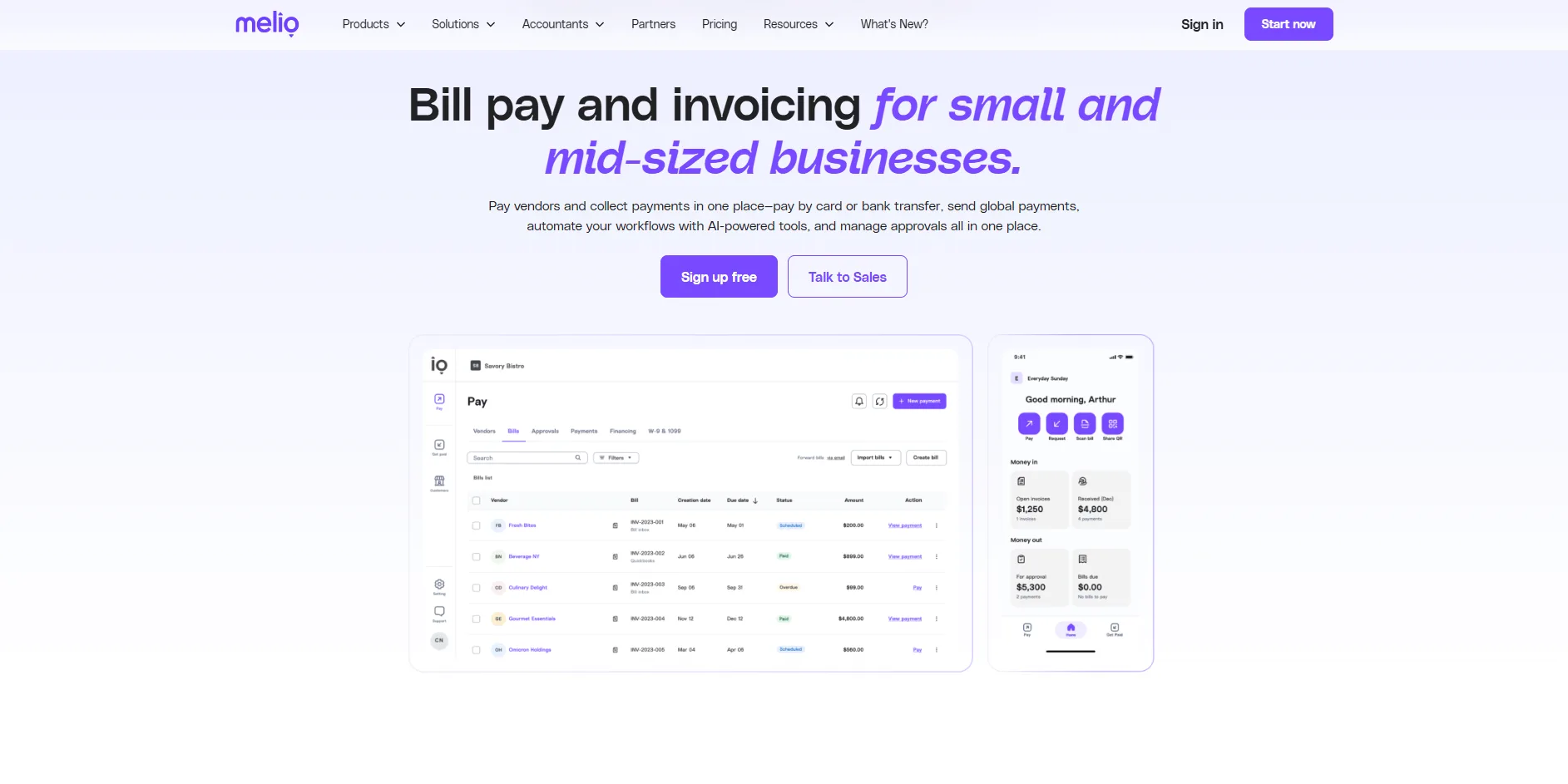
Melio has taken a different approach: they made the software free and focused on the payment transaction. It has become the "Bill Pay" layer for thousands of QBO and Xero users.
Payment Arbitrage:
Melio's "Killer Feature" is the ability to pay any vendor with a credit card, even if that vendor only accepts checks or ACH. Melio charges you a small percentage, pays the vendor via check, and you get to keep your cash for an extra 30 days while earning credit card rewards. Their data extraction is a secondary convenience feature to speed up the payment setup.
- Best For: Cash-strapped small businesses looking to bridge the gap. For example, a restaurant that needs to pay its meat supplier via credit card (to earn 1.5% cashback and keep cash in the bank) while the supplier receives a traditional paper check from Melio.
- Key Feature: Credit-Card-to-Check/ACH. Melio acts as the bridge, allowing you to pay your rent or suppliers with a card to "float" your cash flow for an extra 30 days.
- Limitation: Thin Bookkeeping Features. It is a payment tool first. It won't help you with deep line-item inventory tracking, project-based costing, or complex audit trails that dedicated AP tools offer.
- Official Website: Melio
6. Dext (formerly Receipt Bank): The Accountant’s Choice
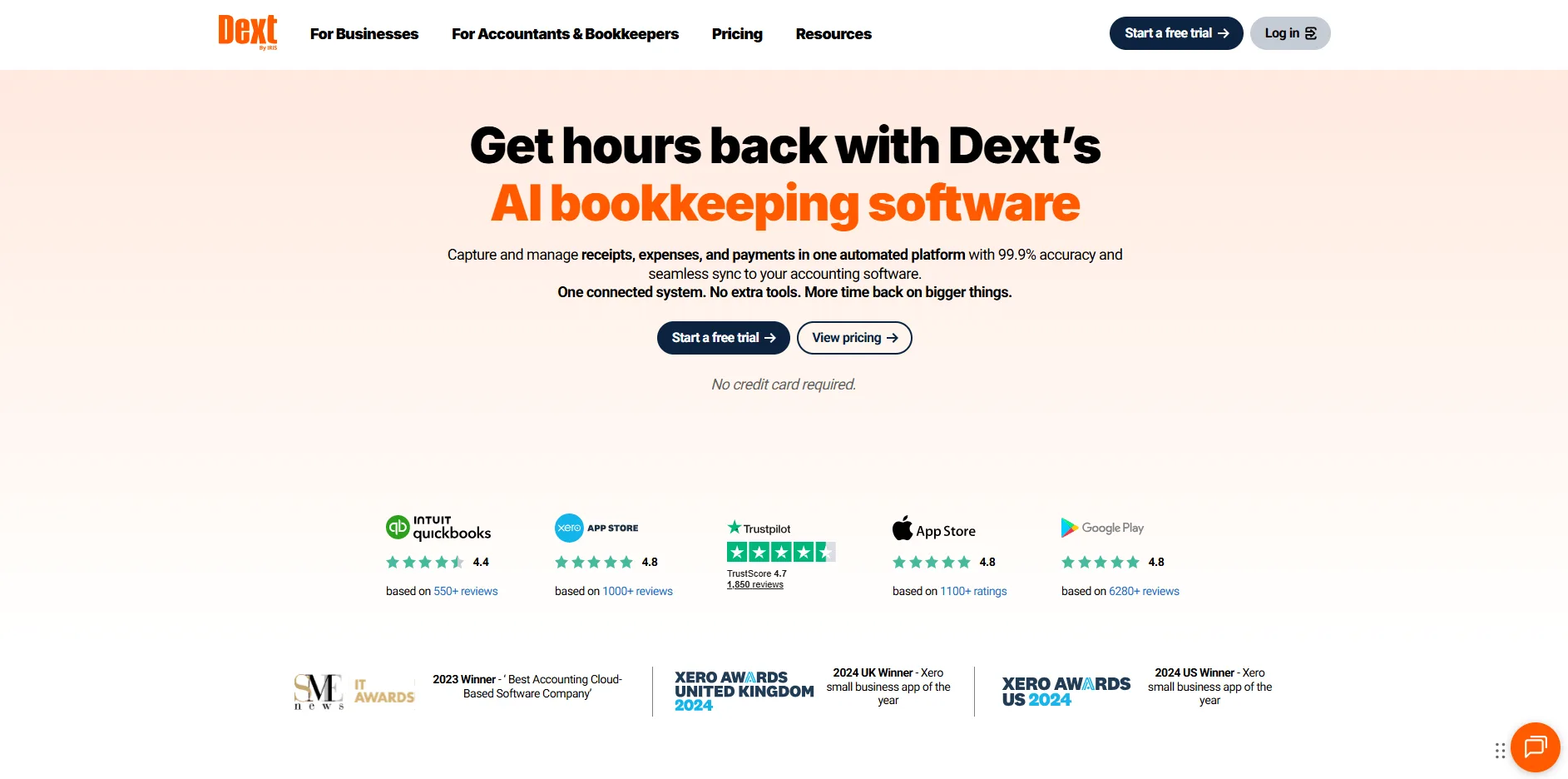
If you ask a professional bookkeeping firm what they use, the answer is almost always Dext. It is built for "Practice Management."
Bulk Processing at Scale:
Dext allows an accountant to manage 100 different clients from a single screen. It has highly mature "Supplier Rules." For example, you can set a rule that says "Any invoice from Amazon over $100 should be coded to 'Office Supplies' and pushed to Xero automatically." It is a rugged, reliable workhorse for high-volume environments.
- Best For: Accounting and bookkeeping practices managing dozens of clients. A professional bookkeeper can use one dashboard to see which of their 50 clients hasn't submitted their February receipts yet and send them a bulk reminder.
- Key Feature: Practice Management & Advanced Supplier Rules. You can automate complex mappings (e.g., "If vendor = AWS AND amount > $500, code to 'Cloud Infrastructure'") at the client level.
- Limitation: Legacy "Industrial" UI. The interface feels like software from 2015: highly functional and rugged, but uninspiring and potentially overwhelming for a business owner who just wants to upload one receipt.
- Official Website: Dext
7. Zoho Invoice: The Best Value for Micro-Businesses
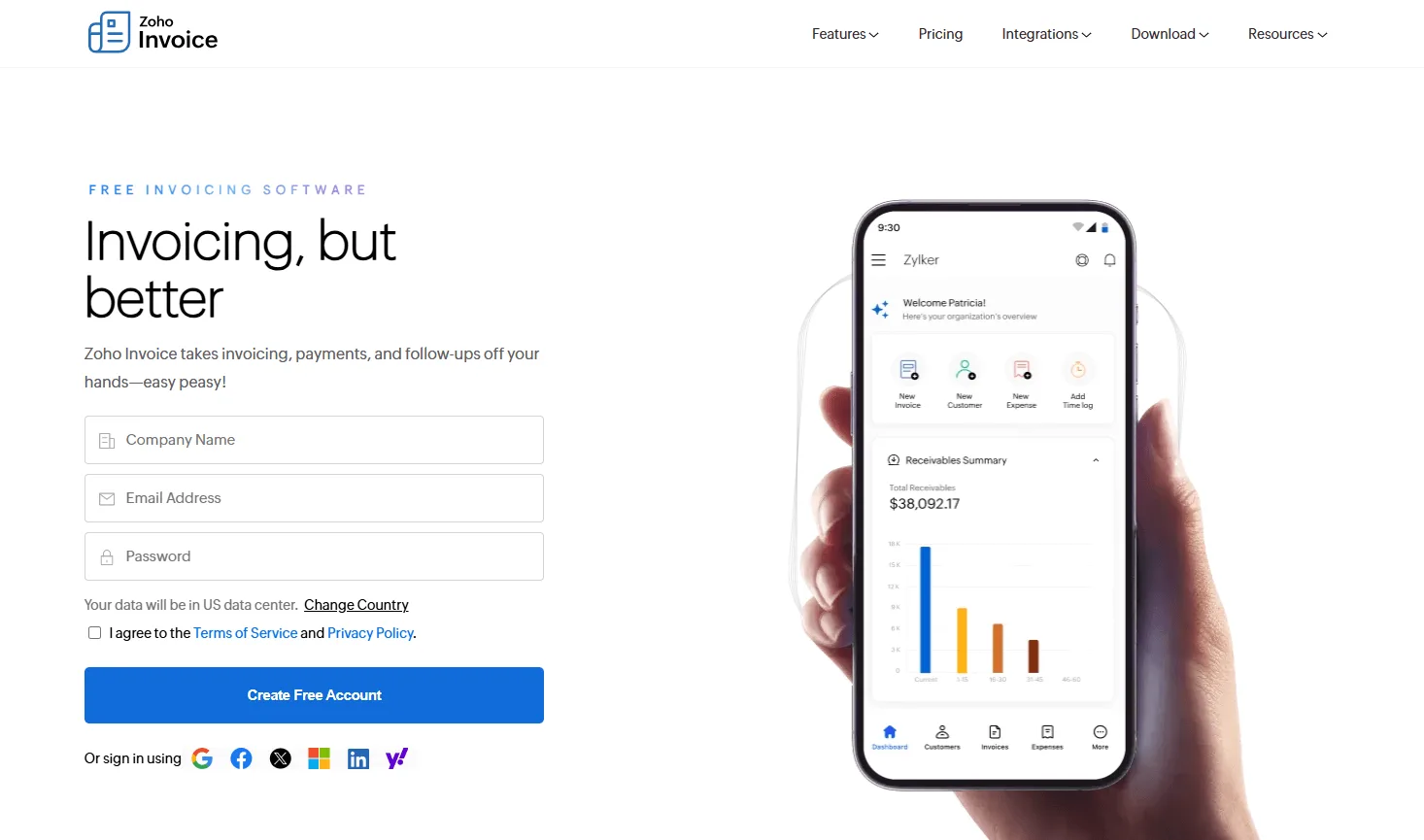
Zoho is the "Swiss Army Knife" of business software. Zoho Invoice is particularly noteable because it offers a full-featured free version for small businesses.
Part of the Whole:
While its standalone invoice extract capabilities are basic (mostly rule-based), its value comes from the integration with the rest of the Zoho suite (CRM, Projects, Inventory). If your whole business already runs on Zoho, adding Invoice is a no-brainer. It provides a very professional client portal where your customers can view their entire history with you.
- Best For: Freelancers and micro-businesses on a shoestring budget. For instance, a freelance writer who needs to send 5 professional invoices a month and track their expenses without paying a $30/month subscription for QuickBooks.
- Key Feature: Professional Client Portal. Your clients can log into a secure area to view their invoice history, download past receipts, and pay you via integrated gateways like Stripe.
- Limitation: Rigid, Template-Based AI. The extraction engine is less "intelligent" than LLM-based competitors. If a receipt doesn't look like what Zoho's templates expect, it often fails, forcing you to manually type in the date, vendor, and amount.
- Official Website: Zoho Invoice
8. Expensify: The Employee Experience Leader
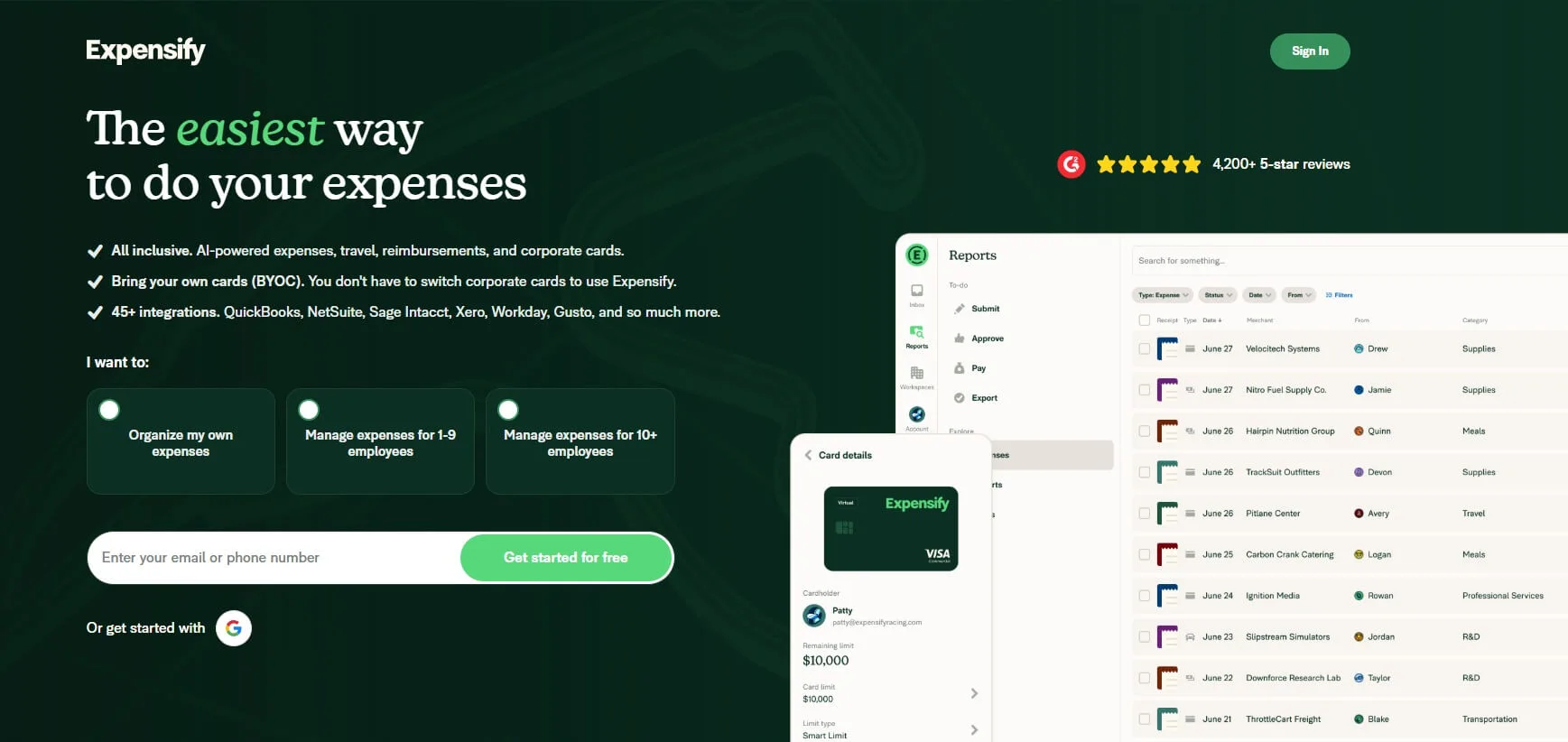
Expensify is the undisputed king of "Reimbursement." If your primary goal is managing what your employees spend on the road, look no further.
Snap and Forget:
Their "SmartScan" tech is optimized for mobile. An employee snaps a photo of a taxi receipt, and before they’ve even reached their hotel, the expense is categorized, the currency converted, and it’s sitting in their manager’s approval queue. Their new "Expensify Card" even eliminates the need for reimbursement by reconciling company card spend in real-time.
- Best For: Sales-heavy teams and frequent business travelers. For example, a sales rep who spends 2 weeks a month on the road and needs to submit 50 small meal and travel receipts for quick reimbursement.
- Key Feature: SmartScan Mobile Efficiency. Their mobile app is the gold standard for speed: snap a photo and the "concierge" handles the rest, often matching it to a credit card transaction automatically.
- Limitation: Not Built for Accounts Payable. It is terrible at handling large vendor bills or complex 30-day payment cycles. It is strictly a tool for "Employee Expenses," not for paying your office rent or major suppliers.
- Official Website: Expensify
9. FreshBooks: The Service Professional’s Best Friend
FreshBooks is an invoicing tool built for people who bill for their time. It’s the "anti-QuickBooks," focused on ease of use rather than complex accounting jargon.
Time is Money:
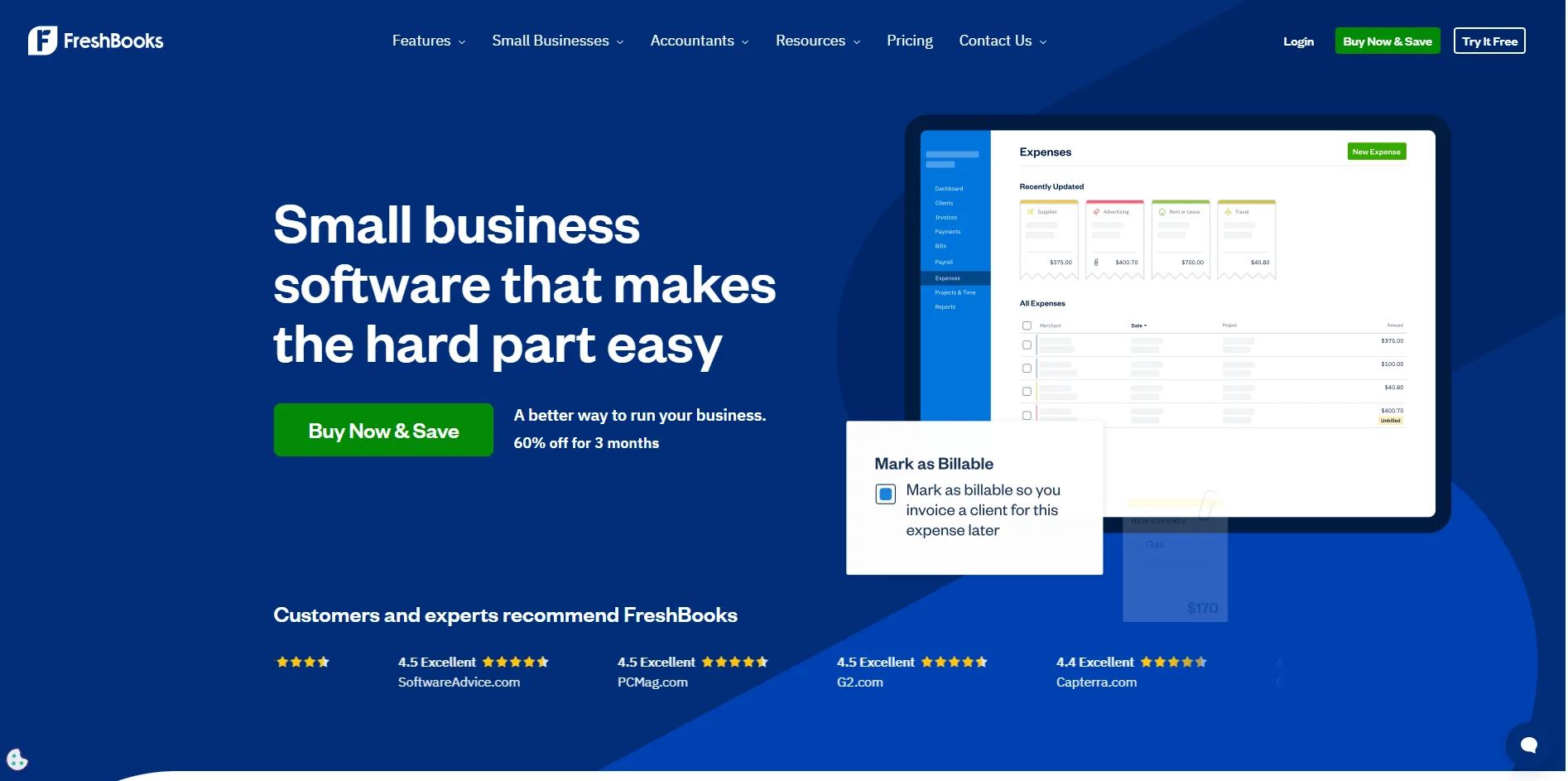
The core of FreshBooks is the connection between the stopwatch and the invoice. You track time on a project, and the software automatically pulls those hours into a billable document. Its inbound expense management is incredibly clean, allowing you to categorize expenses for tax time without needing an accounting degree.
- Best For: Service-based freelancers like Consultants, Designers, or Developers. For example, a developer who bills $150/hour and wants to track their hours directly into an invoice that also automatically includes their recurring software subscription expenses.
- Key Feature: Integrated Time Tracking. The connection between the project timer and the final invoice is seamless, ensuring that no billable hour ever "falls through the cracks."
- Limitation: Limited Scalability. FreshBooks is a "small" tool. Once your company grows to have 10+ employees or needs complex balance sheets and inventory tracking, you will likely find yourself forced to migrate to Xero or QBO.
- Official Website: FreshBooks
10. Hubdoc: The Automated "Utility"
Now a standard part of the Xero ecosystem, Hubdoc acts as a digital filing cabinet. Its primary goal is to "Fetch" your documents so you don't have to.
Zero-Touch Collection:
Hubdoc’s superpower is its list of "Automated Connections." It can log into your phone company, your insurance provider, and your bank to download statements as soon as they are issued. It then performs a basic extraction and pushes the data to Xero or QuickBooks.
- Best For: "Document Hoarders" and Xero power users. For instance, a property manager who needs to automatically "fetch" 50 utility bills from 10 different online portals every month without having to log into each one manually.
- Key Feature: Direct Portal Fetching. Hubdoc can securely log into accounts (like Comcast, Verizon, or your bank) to download your recurring monthly bills as soon as they are available.
- Limitation: Inconsistent Extraction Quality. It often misses the "Line Item" details, only capturing the "Total Amount." This makes it a great filing cabinet, but a mediocre tool for detailed, granular bookkeeping.
- Official Website: Hubdoc
2026 Comparison Matrix: Making the Final Decision
Use this matrix to compare all 10 invoice automation software platforms side by side before making your final decision.
| Tool |
Core Focus |
AI Tech Level |
Privacy / Security |
Monthly Cost |
Best For |
Standout Feature |
| TallyScan |
Data Accuracy + Privacy |
High (LLM Reasoning) |
Highest (Forwarding only) |
$$ Competitive |
Privacy-conscious SMBs, law firms |
Contextual AI reasoning; no inbox access required |
| Bill.com |
AP Workflow Automation |
Mid (Legacy OCR) |
High (SOC 2) |
$$$ Scales with volume |
Mid-to-large enterprises |
Hierarchical approval engine; multi-level routing |
| QuickBooks Online |
Ledger Unity |
Low (Basic OCR) |
Mid (OAuth) |
$$ Subscription |
Small businesses in Intuit ecosystem |
Zero sync lag; data lands directly in the ledger |
| Xero |
Bank Reconciliation |
Mid (Hubdoc OCR) |
Mid (OAuth) |
$$ Subscription |
International startups, creative agencies |
Real-time bank feed matching; multi-currency reporting |
| Dext |
Practice Management |
Mid (Mature Rules) |
High (GDPR) |
$$$ Professional |
Accounting and bookkeeping firms |
Client portfolio dashboard; advanced supplier rules |
| Expensify |
Employee Expense Reports |
Mid (SmartScan) |
Mid (SOC 2) |
$$ Per user |
Sales teams and frequent business travelers |
SmartScan mobile speed; Expensify Card integration |
| FreshBooks |
Time-Based Billing |
Low-Mid (Basic OCR) |
Mid (OAuth) |
$$ Subscription |
Freelancers, consultants, agencies |
Direct time tracking to invoice; automated reminders |
| Melio |
Payment Execution |
Low (Basic OCR) |
Mid (Secure Pay) |
Free (pay per transaction) |
Cash-flow-conscious SMBs |
Pay vendors by credit card; vendor receives check or ACH |
| Zoho Invoice |
AR Invoicing |
Low (Rule-based) |
Mid |
Free / Low |
Freelancers on Zoho ecosystem |
Free plan; seamless Zoho suite integration |
| Hubdoc |
Document Collection |
Low (Basic OCR) |
Mid (OAuth) |
Included with Xero |
Xero power users; property managers |
Auto-fetches bills from 700+ portals and banks |
Summary: Which Invoice Automation Software Wins for You?
The best invoice automation software is the one that solves your specific bottleneck, not the one with the longest feature list. Here is how to match your pain point to the right platform:
- "I'm tired of manually correcting data": You need the reasoning power of TallyScan. To understand the technical shift, please see Deep Dive on AI vs OCR.
- "I need to manage 20+ staff approvals": Bill.com or Dext are your best options.
- "I want my invoices to match my bank feed perfectly": Xero or QuickBooks will serve you well.
The Golden Rule of Selection: Run a "Messy Invoice Test." Take your three most difficult, multi-page, or faded invoices. Upload them to a trial account of your top two choices. The platform that requires the least amount of clicking and typing is the one that will actually save you money in the long run.
Start Your Free TallyScan Trial Your first 10 invoices are processed by our next-gen AI for free!
Frequently Asked Questions about Invoice Automation Software
Can AI handle handwritten notes on invoices?
Traditional OCR fails here. However, modern invoice ai (like TallyScan) uses Vision-LLMs that are remarkably good at reading handwritten annotations, "Paid" stamps, or even scribbled approval signatures.
Is it safe to forward invoices to a dedicated email address?
Yes. In fact, it is significantly safer than granting a third-party app full "Read" access to your entire business inbox. Forwarding ensures that only the relevant financial documents ever enter the processing engine, keeping your private conversations private.
How long does it take to implement invoice automation software?
Modern cloud-native tools like TallyScan, Melio, or Expensify can be set up in under 10 minutes. More complex enterprise solutions like Bill.com or Dext may require a few days to properly configure multi-level approval workflows and accounting mappings.
Does invoice automation software work with multiple currencies?
Most top-tier tools (including TallyScan and Xero) automatically detect and extract currency symbols and codes. They can often provide real-time exchange rate conversions, making them ideal for businesses with international suppliers.
Can invoice automation software handle multi-page PDF invoices with dozens of line items?
While basic OCR often chokes on long documents, AI-powered extraction tools are designed to follow the context across multiple pages. They can extract 50+ line items with precision, ensuring that your inventory or project costing remains accurate.
Do I still need an accountant if I use invoice automation software?
Yes. Automation removes the "grunt work" of data entry, but it doesn't replace the strategic oversight of an accountant. Your accountant will shift from being a "data typer" to a "data analyst," helping you interpret the clean, real-time data these tools provide to grow your business.
What is the primary difference between legacy OCR and modern AI extraction?
OCR "reads" shapes and guesses letters based on templates. AI "reasons" about the document's content. If an invoice has a smudge or uses a weird layout, the AI uses its understanding of financial logic (e.g., verifying that Subtotal + Tax = Total) to ensure accuracy where OCR would simply fail.