Finance
How to Improve Cash Flow?
Learn proven strategies to improve cash flow fast: automate invoicing, reduce DSO, forecast smarter, and unlock financing options your business actually needs.

TallyScan Team
You already know the feeling: it's the end of the month, you have a folder full of vendor bills, client invoices sitting in draft, and you're wondering if you're about to miss a payment deadline. If you've been searching for a better way, you've probably discovered that the invoice software comparison landscape is enormous and confusing. Every tool claims to be "the best." Every pricing page looks slightly different.
This guide cuts through that noise. We reviewed 5 of the leading invoicing platforms for 2026, tested them against the criteria that actually matter to small business owners and freelancers, and built a side-by-side comparison that tells you exactly which tool solves which problem.
One quick disclosure: this article is published by the TallyScan team. We cover TallyScan separately below, after the independent comparison, because we think you deserve an honest review of the market before we talk about our own product.
The global billing and invoicing software market is projected to grow from $3.1 billion in 2023 to $7.9 billion by 2032, according to Grand View Research. Businesses of all sizes are replacing manual processes with automated, cloud-native tools. The question is no longer "should I use invoice software?" It is "which one fits my workflow?"
Great invoice software does more than generate a PDF. It should eliminate manual data entry, reduce payment delays, integrate with your existing accounting system, and give you a clear view of your cash flow in real time.
Before comparing specific tools, it helps to understand the two tiers of features available in the market: the non-negotiable basics and the advanced automation capabilities that separate good software from transformational software.
Any invoicing tool you evaluate in 2026 should include these fundamentals without exception:
If a tool is missing any of the above, it is not ready for a real business in 2026.
The tools that deliver the highest ROI go far beyond the basics. These are the capabilities that fundamentally change how much time you spend on financial admin:
Pro Tip: When evaluating invoice software, always run the "Messy Invoice Test." Upload your three most difficult invoices: a handwritten receipt, a multi-page PDF from an overseas supplier, and a scanned image with a skewed layout. The software that requires the least manual correction is the one that will actually save you money.
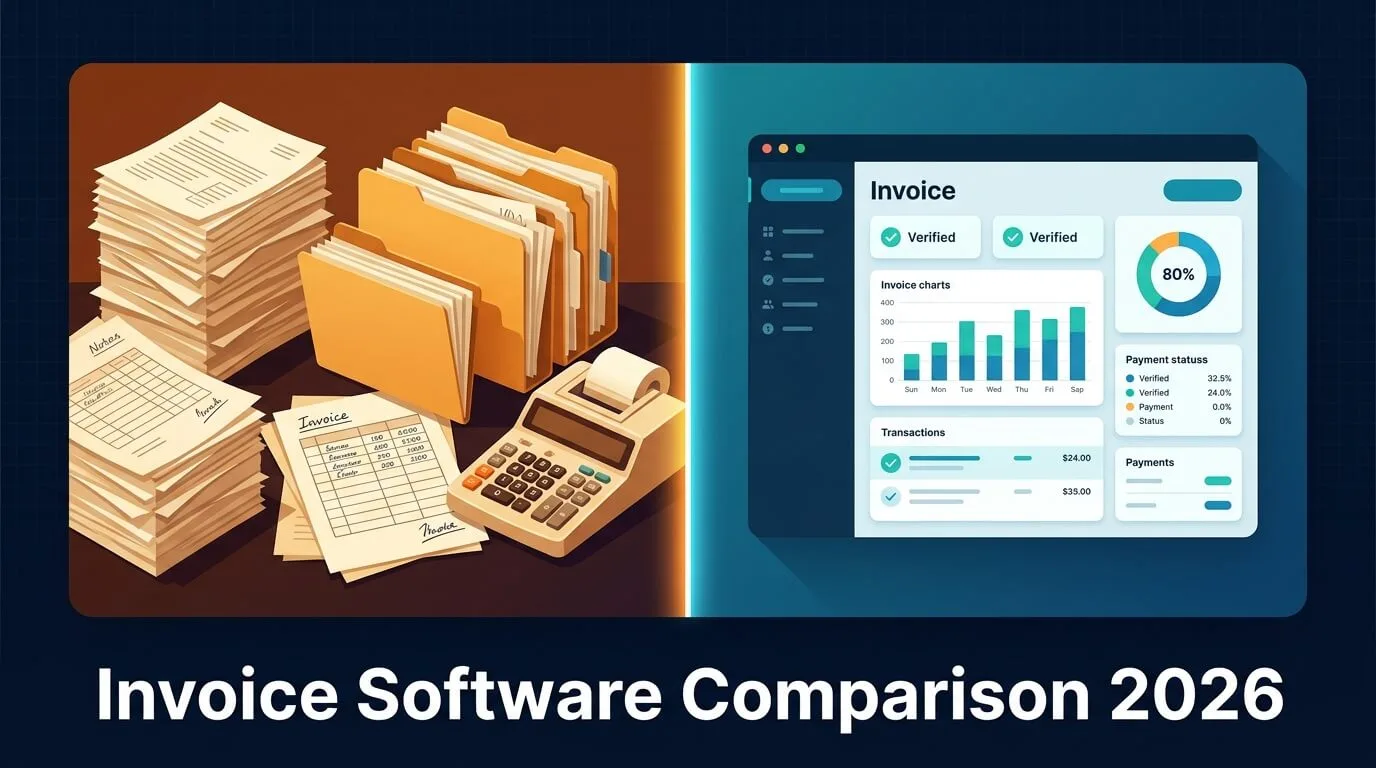
Below is an independent review of five leading invoice software platforms. We evaluated each tool on automation depth, ease of use, integration breadth, pricing transparency, and scalability. We do not have a financial relationship with any of these vendors.
Best for: Established small businesses that need invoicing as part of a complete accounting, payroll, and tax platform.
QuickBooks Online is the industry standard for small business accounting, and for good reason. It handles invoicing, expense tracking, bank reconciliation, payroll, and tax preparation in a single platform. If you need a single system of financial record for your entire company, QuickBooks Online is hard to beat.
The trade-off is complexity. The interface is dense. Setting up invoice automation rules requires accounting knowledge. And pricing climbs steeply as you add users or features like payroll.
Key strengths:
Pricing: $30-$200/month depending on plan. Payroll and advanced reporting cost extra.
Best internal fit: Best for businesses that have outgrown simple invoicing tools and need an accountant-ready platform. May be overkill for freelancers or solo operators who just need to get paid.
Best for: Freelancers, consultants, and creative agencies who bill by the hour and need a beautiful, intuitive interface without accounting complexity.
FreshBooks built its reputation on being the most user-friendly invoicing software on the market, and that reputation is still earned in 2026. Creating an invoice takes under two minutes. Time tracking integrates directly with invoicing, so you can turn tracked hours into a billable invoice with a single click.
The weakness is scalability. Per-user pricing becomes expensive for teams larger than 3-4 people. The platform is optimized for service businesses and lacks the inventory management or accounts payable depth that product-based companies need.
Key strengths:
Pricing: $19-$55/month. Per-client and per-user limits apply on lower tiers.
Best for: Startups, creative agencies, and businesses with international suppliers or clients who need real-time multi-currency support and seamless bank feeds.
Xero is the leading cloud-native accounting platform outside of North America, and it brings a cleaner, more modern interface than QuickBooks to the same accounting depth. Its real-time bank feed matching is exceptional: every transaction is automatically pulled and matched to invoices, dramatically reducing reconciliation time.
Xero's integration with Hubdoc (included on higher plans) adds document collection automation, automatically fetching bills from 700+ supplier portals and bank websites, which reduces manual upload work.
Key strengths:
Pricing: $15-$78/month. Hubdoc included on the $78/month Established plan.
Best for: Freelancers, sole traders, and micro-businesses with basic invoicing needs and a zero budget for software.
Wave is the only genuinely free invoicing and accounting tool that does not cripple its feature set behind a paywall. Unlimited invoices, unlimited clients, and full accounting features are free forever. Wave makes money on payment processing fees (2.9% + $0.60 per card transaction).
The limitations are real: no inventory management, no time tracking, no accounts payable workflow, and limited automation. But for a freelancer sending 5-10 invoices per month, Wave is a perfectly capable tool at zero cost.
Key strengths:
Pricing: Free. Payment processing: 2.9% + $0.60 per card transaction.
Best for: Small businesses already using Zoho CRM, Zoho Books, or other Zoho products who want seamless, deeply integrated invoicing at a very low cost.
Zoho Invoice offers one of the most generous free plans in the market, and its paid tiers are priced aggressively compared to competitors. The platform covers all the essential invoicing features plus client portals, multi-currency support, time tracking, and custom workflow automation.
The real superpower is ecosystem integration. If your business runs on Zoho CRM, Zoho Projects, or Zoho Books, Zoho Invoice connects everything with zero friction. It is less compelling as a standalone tool if you are not already in the Zoho universe.
Key strengths:
Pricing: Free up to 5 clients. Paid plans from $15-$45/month.
Use this matrix to run your own invoice software comparison based on the criteria most important to your business.
| Feature | QuickBooks | FreshBooks | Xero | Wave | Zoho Invoice |
|---|---|---|---|---|---|
| AI Data Extraction | Basic OCR | Basic OCR | Hubdoc OCR | Basic OCR | Rule-based |
| Email Inbox Scanning | No | No | No | No | No |
| Recurring Invoices | Yes | Yes | Yes | Yes | Yes |
| Multi-Currency | Yes | Yes (higher plans) | Yes (live rates) | Limited | Yes |
| Approval Workflow | Yes | No | Yes | No | Yes |
| Accounting Sync | Native | Native | Native | Native | Zoho Books |
| Privacy Model | OAuth | OAuth | OAuth | OAuth | OAuth |
| Free Plan | No | No | No | Yes | Yes (5 clients) |
| Starting Price | $30/month | $19/month | $15/month | Free | Free |
| Best For | Full accounting | Freelancers/time billing | International/cloud | Micro-business | Zoho ecosystem |
TallyScan is our own invoice processing tool. It is not a general-purpose invoicing platform. It solves one specific problem: eliminating manual data entry from incoming vendor invoices.
We are an early-stage product. We are still improving, and we know we have room to grow. But here is what TallyScan does today, and what it does not do, so you can judge for yourself.
What TallyScan does:
What TallyScan does not do:
Who it is best for: Small business owners, accounting firms, and AP teams who receive a steady stream of vendor invoices and want to stop typing data by hand.
If that sounds like your situation, your first 10 invoices are free to process. No credit card required.
For the technical background on how AI invoice extraction compares to legacy OCR, see our AI invoice extraction deep dive.
One of the most common points of confusion in any invoice software comparison is the distinction between invoicing tools and full accounting platforms. Getting this wrong leads to buying software that either does far less than you need, or far more than you will ever use.
Here is the clearest way to think about the difference:
| Dimension | Invoice Software | Accounting Software |
|---|---|---|
| Core Purpose | Create, send, and track bills | Manage entire financial ledger |
| Who Uses It | Business owners, AP clerks | Business owners + accountants |
| Complexity | Low to medium | Medium to high |
| Typical Features | Invoicing, payments, reminders | Invoicing + P&L, balance sheet, payroll, tax |
| Examples | TallyScan, Wave, Zoho Invoice | QuickBooks, Xero, FreshBooks (hybrid) |
| Best When | You just need to get paid or process vendor bills | You need a full system of financial record |
The practical rule is this: if you have an accountant or bookkeeper who manages your books, a dedicated invoicing or AP tool that integrates with their platform (QuickBooks or Xero) will give each party the right tool for their job. If you are a solo operator managing everything yourself, an all-in-one platform like QuickBooks Online or FreshBooks may serve you better.
Pro Tip: Do not pay for accounting software complexity if you only need invoicing simplicity. A lightweight invoicing tool integrated with your accountant's QuickBooks will cost less and require less training than a standalone all-in-one suite.
Running a generic invoice software comparison only gets you so far. The right tool depends on the specific bottlenecks your business faces every day. Here is a practical decision guide by business type.
Your biggest problem: Tracking hours across multiple clients and making sure every billable minute makes it onto an invoice.
Best fit: FreshBooks or Zoho Invoice. FreshBooks wins on time-tracking integration. Zoho Invoice wins on price if you have fewer than 5 clients.
Skip: TallyScan and QuickBooks are overkill for solo billing. Wave is a solid free backup.
Your biggest problem: Too many vendor invoices arriving by email, manual data entry eating up staff hours, and missed payment deadlines creating late fees.
Best fit: A dedicated AP capture tool integrated with QuickBooks or Xero for the accounting side. This is exactly the gap TallyScan was built to fill (see the TallyScan section above).
Skip: FreshBooks lacks AP workflow depth. Wave lacks the approval controls you need with a team.
Your biggest problem: Processing high volumes of documents across dozens of client accounts while maintaining data accuracy and privacy standards.
Best fit: A privacy-first document capture tool that does not require inbox credentials is important for accounting practices. See our guide on receipt scanning software for the broader document capture picture. Our own tool, TallyScan, uses a forwarding-only model designed with this use case in mind.
Your biggest problem: Project profitability is hard to track when time, expenses, and sub-contractor invoices are all tracked separately.
Best fit: FreshBooks (best project-to-invoice flow) or Xero (best bank reconciliation for agencies with multiple client accounts).
Your biggest problem: Multi-currency invoicing, complex tax rules, and reconciling payments from multiple channels (Stripe, PayPal, Shopify).
Best fit: Xero (live multi-currency rates, best bank feed) or QuickBooks Online (best for US-based tax complexity).
Before committing to a new invoicing tool, run your current process through this diagnostic. Be honest with yourself about where the friction really is.
| Process Area | Manual Warning Signs | Readiness Score | Priority |
|---|---|---|---|
| Data Entry | Typing invoice details from PDFs by hand | Low (1-2) | Critical |
| Approval Routing | Emailing invoices to managers for sign-off | Low (1-2) | High |
| Payment Tracking | Checking invoice status by calling vendors | Low (1-3) | High |
| Reconciliation | Matching invoices to bank statements manually | Medium (3-4) | Medium |
| Reporting | Building cash flow reports in Excel | Medium (3-4) | Medium |
| Multi-Currency | Converting exchange rates in a spreadsheet | Low (1-2) | High (if international) |
How to read this table: Score your current process from 1 (fully manual, chaotic) to 5 (fully automated, reliable). Any area scored 1-2 is a critical pain point. Prioritize tools that directly address those areas. If Data Entry and Approval Routing score low, an AI-powered capture tool addresses these directly. If Reconciliation scores low, Xero or QuickBooks is the right fix.
The business case for switching is clearest when you put actual numbers to the problem. According to research by the Institute of Finance and Management (IOFM), manually processing a single invoice costs between $15 and $40 depending on business size and complexity. Automated processing brings that cost down to $2 to $8.
| Metric | Manual Process | Automated Process | Improvement |
|---|---|---|---|
| Cost per invoice | $15-$40 | $2-$8 | 75-90% reduction |
| Processing time | 15-30 minutes/invoice | 1-3 minutes/invoice | 80-95% faster |
| Error rate | 3-5% | 0.5-1% | 60-80% fewer errors |
| Late payment fees | Common (missed due dates) | Rare (automated reminders) | Near elimination |
| Staff hours/week (100 invoices) | 25-50 hours | 2-5 hours | 46 hours saved |
| Annual cost (1,000 invoices/year) | $15,000-$40,000 | $2,000-$8,000 | $7,000-$32,000 saved |
For a business processing just 1,000 invoices per year (less than 20 per week), the annual savings from automation range from $7,000 to $32,000. The software costs a fraction of that.
For a deeper look at the accounts payable side of this equation, see our comprehensive guide on accounts payable automation.
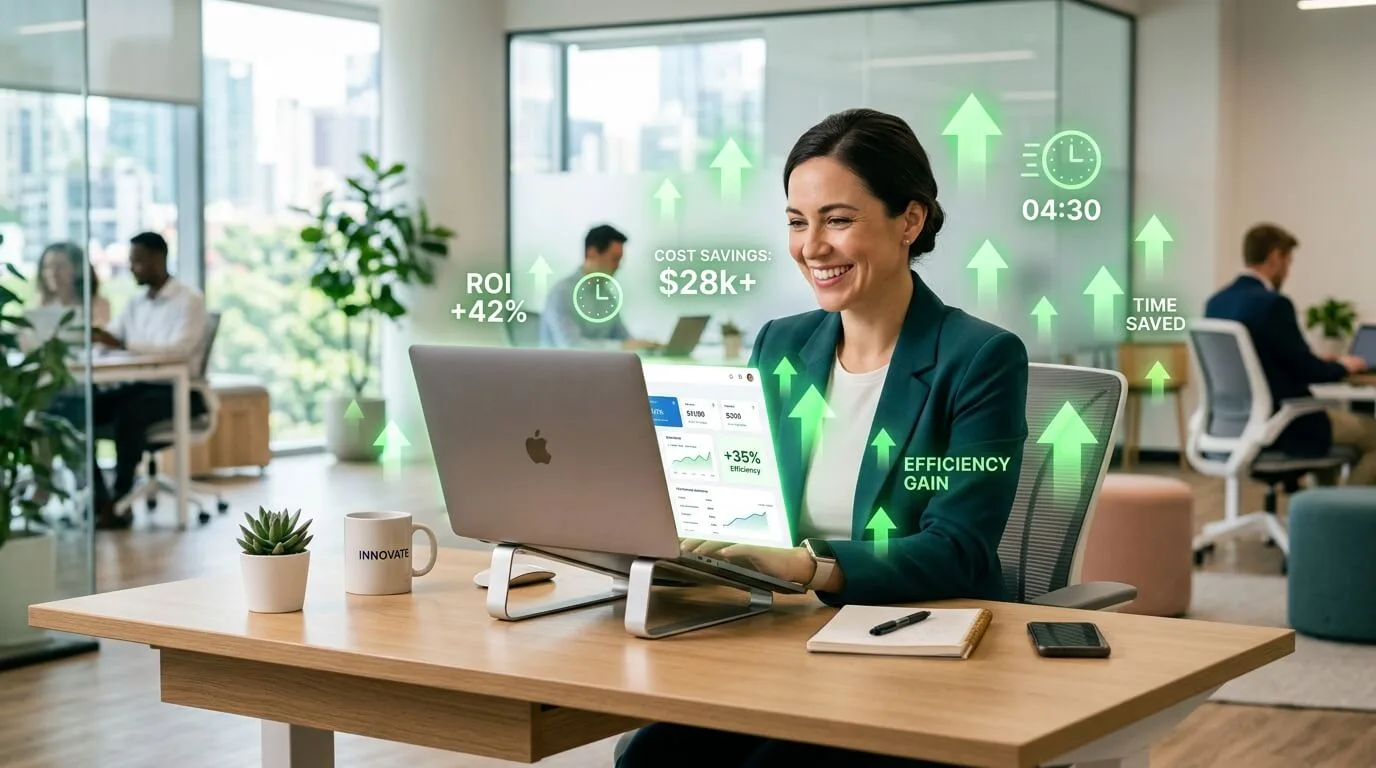
The best invoice software for small business depends on your primary bottleneck. If you receive many vendor invoices and need accurate, hands-free data capture, TallyScan delivers the highest ROI. If you need a complete accounting platform in one tool, QuickBooks Online is the industry standard. For freelancers who bill by the hour, FreshBooks offers the best time-tracking-to-invoice workflow. The right answer is always the tool that solves your most painful daily problem.
Invoice software focuses specifically on creating, sending, tracking, and processing invoices. Accounting software covers the full financial picture: invoicing plus bookkeeping, payroll, tax preparation, and financial reporting. Tools like QuickBooks and Xero are hybrid platforms that do both. Tools like TallyScan, Wave, and Zoho Invoice are purpose-built invoicing solutions that integrate with accounting platforms. If you have a bookkeeper or accountant, a dedicated invoicing tool often works better alongside their accounting platform than replacing it.
Yes. Wave offers unlimited free invoicing and accounting with no client or invoice limits. Zoho Invoice offers a strong free plan for up to 5 clients. Both are capable tools for freelancers and micro-businesses. The trade-off is that free plans lack advanced automation features like AI data extraction, multi-level approval workflows, and deep accounting integrations. Once your business grows beyond 10-15 active invoices per month, paid automation features pay for themselves quickly.
Automated invoice processing typically follows four steps: capture (an AI scans and extracts data from the invoice), validation (the system checks for errors and matches against purchase orders or vendor records), approval (the invoice is routed to the correct approver based on rules you configure), and payment (the approved amount is scheduled and recorded in your accounting system). Tools like TallyScan use large language model reasoning instead of simple template-matching OCR, which means they maintain high accuracy even on unusual layouts, handwritten notes, or multi-page documents. For the full technical breakdown, see our guide on best invoice OCR software solutions.
FreshBooks is widely considered the best invoicing software for freelancers in 2026, primarily for its time-tracking integration that turns billable hours directly into invoices. Zoho Invoice is the best free or low-cost alternative. For freelancers who also receive vendor invoices or expense receipts in volume, TallyScan's AI extraction eliminates the tedious data entry that comes with managing project costs. Wave is the best option if budget is the primary constraint.
Yes, most modern invoice software integrates directly with QuickBooks and Xero. TallyScan syncs extracted invoice data directly to both platforms. FreshBooks and Zoho Invoice also offer QuickBooks and Xero connections. Wave has native accounting built in but limited third-party sync options. When evaluating any tool, always test the specific integration with your accounting platform during the free trial. Check whether data syncs in real time or in batches, and whether line-item detail (not just totals) transfers correctly.
Cloud-native tools like TallyScan, Wave, and Zoho Invoice can be fully operational in under one business day. You set up your account, connect your accounting platform, and start forwarding or uploading invoices immediately. More complex platforms like QuickBooks Online or Xero may require 1-3 days to configure correctly, especially if you need to migrate historical data, set up multi-user access, or configure approval workflows. Enterprise-level implementations with custom integrations can take 2-4 weeks. Most vendors offer guided onboarding or free setup sessions to accelerate this process.
A thorough invoice software comparison reveals one clear truth: there is no single best tool, only the best tool for your specific situation. The matrix above maps each platform to its ideal user. The self-assessment table helps you identify your actual pain points. And the before/after cost analysis shows you the financial case for acting now rather than waiting another quarter.
Here is a quick decision summary:
Pick the tool that solves your biggest daily bottleneck. If that bottleneck is manual data entry from incoming vendor bills, we think TallyScan is worth a try. If it is not, one of the five platforms reviewed above is almost certainly the right answer.
For a broader look at automation tools built for accounts payable teams, see our guide on invoice automation software.
Learn proven strategies to improve cash flow fast: automate invoicing, reduce DSO, forecast smarter, and unlock financing options your business actually needs.
Stop wasting hours on manual data entry. Discover the best invoice automation software of 2026, comparing AI accuracy, multi-level approval workflows, and privacy-first data capture.
Tired of manual data entry and brittle OCR tools? Discover how AI invoice processing understands your documents better than traditional scanners, ensuring near-perfect accuracy for your bookkeeping automation.