Guide
How to Build a High-ROI Accounting Software Integration (2026)
Stop manual data entry and unlock real-time financial intelligence. Learn how to build a connected accounting ecosystem that scales with your business in 2026.

TallyScan Team
We've been busy. Over the past few weeks, we've shipped a wave of improvements designed to reduce manual data entry and make TallyScan faster, smarter, and more connected than ever. If you're looking to automate your bookkeeping workflow, here's a look at everything that's new.
By popular demand, we've added support for Microsoft OneDrive. Many of our users rely on the Microsoft 365 ecosystem, and you can now automatically sync your processed invoices directly to your OneDrive storage.
For a full guide to manual uploads, Power Automate filing, and capture-then-sync, see upload invoices to OneDrive.
Your invoices and receipts now have a home beyond TallyScan. With the new Google Drive integration, every processed document can be automatically backed up to a dedicated folder in your Drive account.
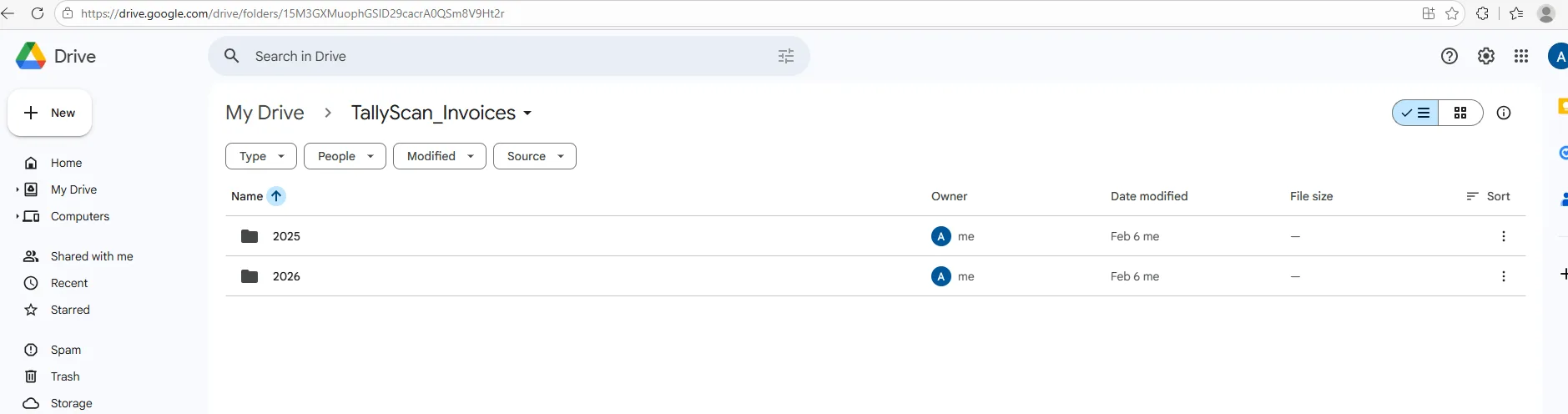
Head to Settings → Integrations to connect your Google account in one click.
For teams that run their accounting on Xero, we now offer direct Accounts Payable automation. When an invoice is processed, TallyScan can automatically create a corresponding Bill in your Xero organization.
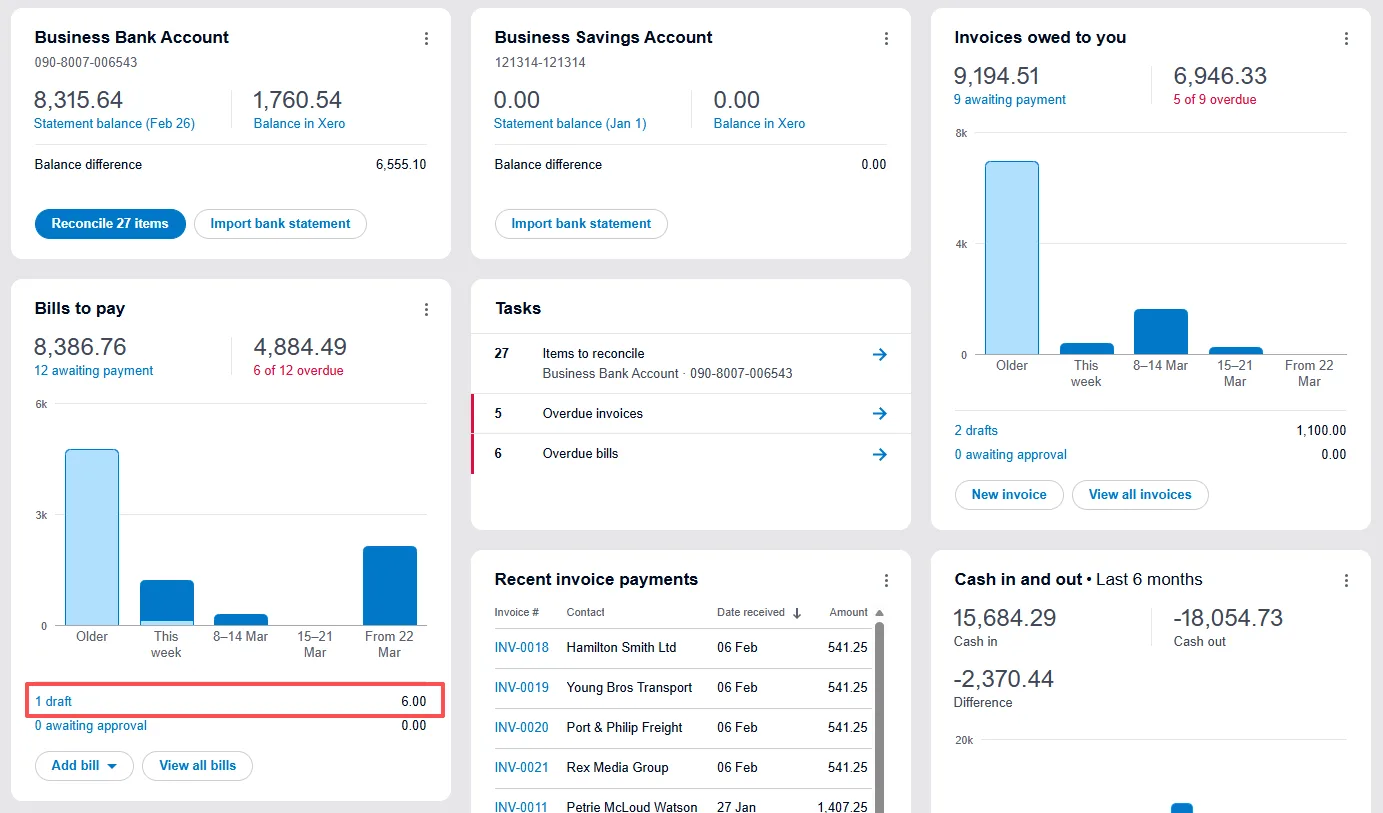
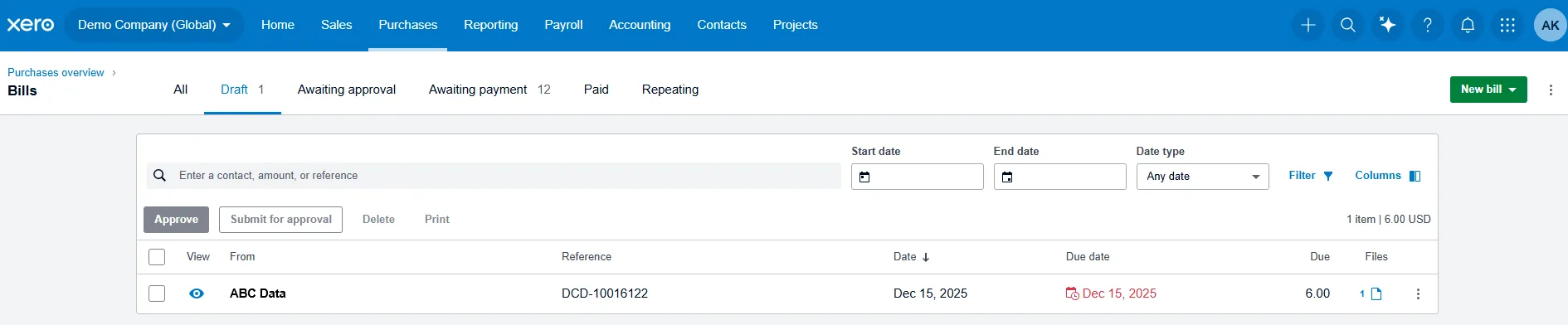
Beta Notice: Xero integration is currently in beta. We're actively testing and refining the sync logic. If you encounter any issues, please reach out — your feedback helps us improve.
For the built-in Xero bills email path (and when to add capture), see how to email invoices to Xero.
If QuickBooks Online is your accounting backbone, you'll love this one. TallyScan can now push processed invoices directly into QuickBooks as Bills (Accounts Payable).
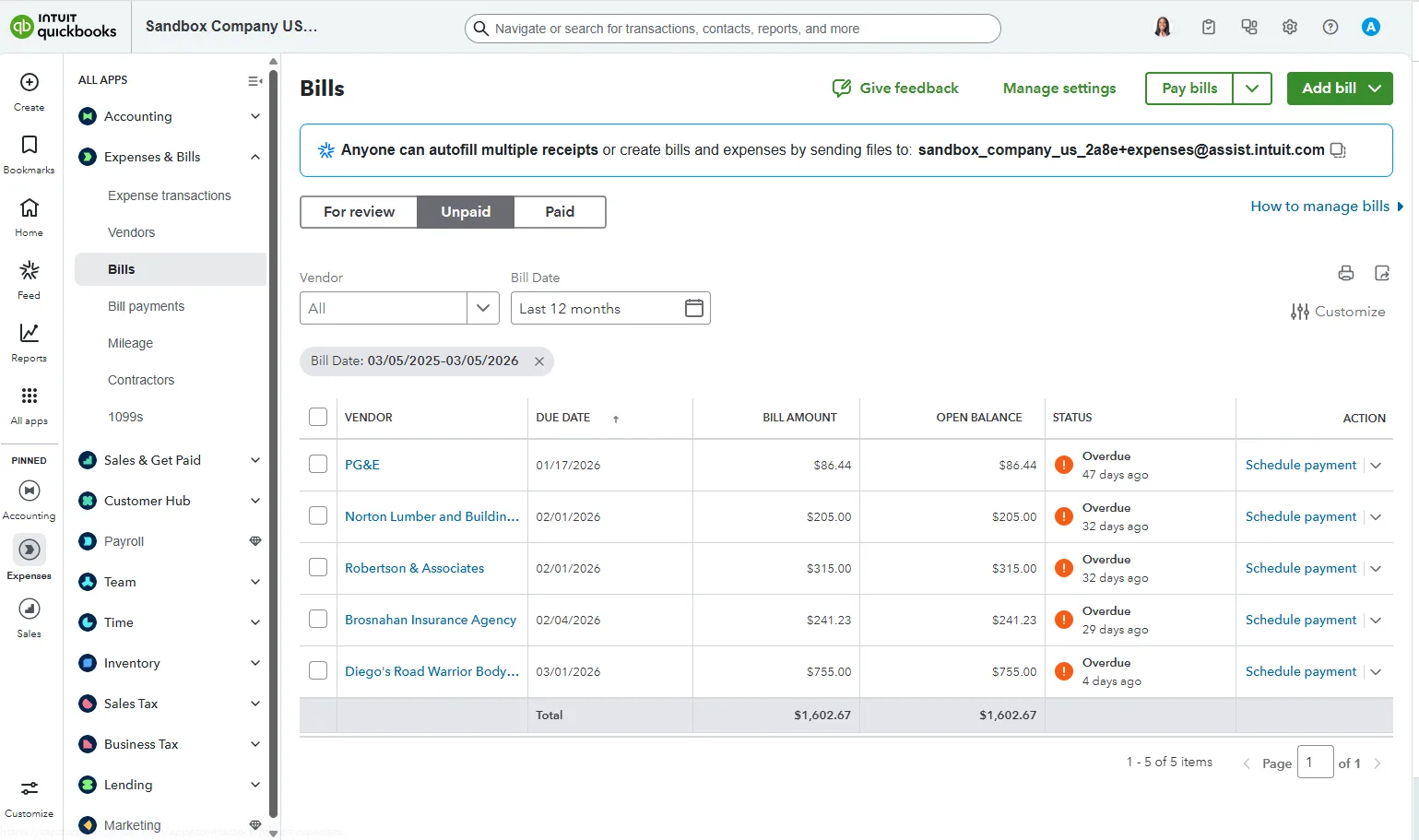
Beta Notice: QuickBooks integration is currently in beta and undergoing Intuit's app review process. We'd love early adopters to try it out and share feedback.
Receipts and bills by email first? See how to email invoices to QuickBooks. Deep field mapping: QuickBooks Online integration.
Under the hood, we've made significant improvements to how TallyScan handles AI invoice extraction:
We've given the entire dashboard a visual overhaul focused on clarity and usability:
TallyScan now supports recurring subscriptions. Choose a plan that fits your volume, and enjoy uninterrupted processing month after month. Visit our Pricing Page to explore options.
When you export your data, you now get more fields in your CSV, Excel, and Google Sheets exports — including vendor addresses, tax IDs, payment information, and sync statuses.
If you're just joining us, be sure to read our Introduction to TallyScan AI to learn how we use AI to revolutionize your bookkeeping.
Get Started for Free — Your first 10 invoices are on us!
Stop manual data entry and unlock real-time financial intelligence. Learn how to build a connected accounting ecosystem that scales with your business in 2026.
Our 2026 invoice software comparison reviews 5 top tools on automation, pricing, and integrations to help small businesses and freelancers find the right fit. Plus: our own tool, TallyScan.
Tired of manual data entry and brittle OCR tools? Discover how AI invoice processing understands your documents better than traditional scanners, ensuring near-perfect accuracy for your bookkeeping automation.