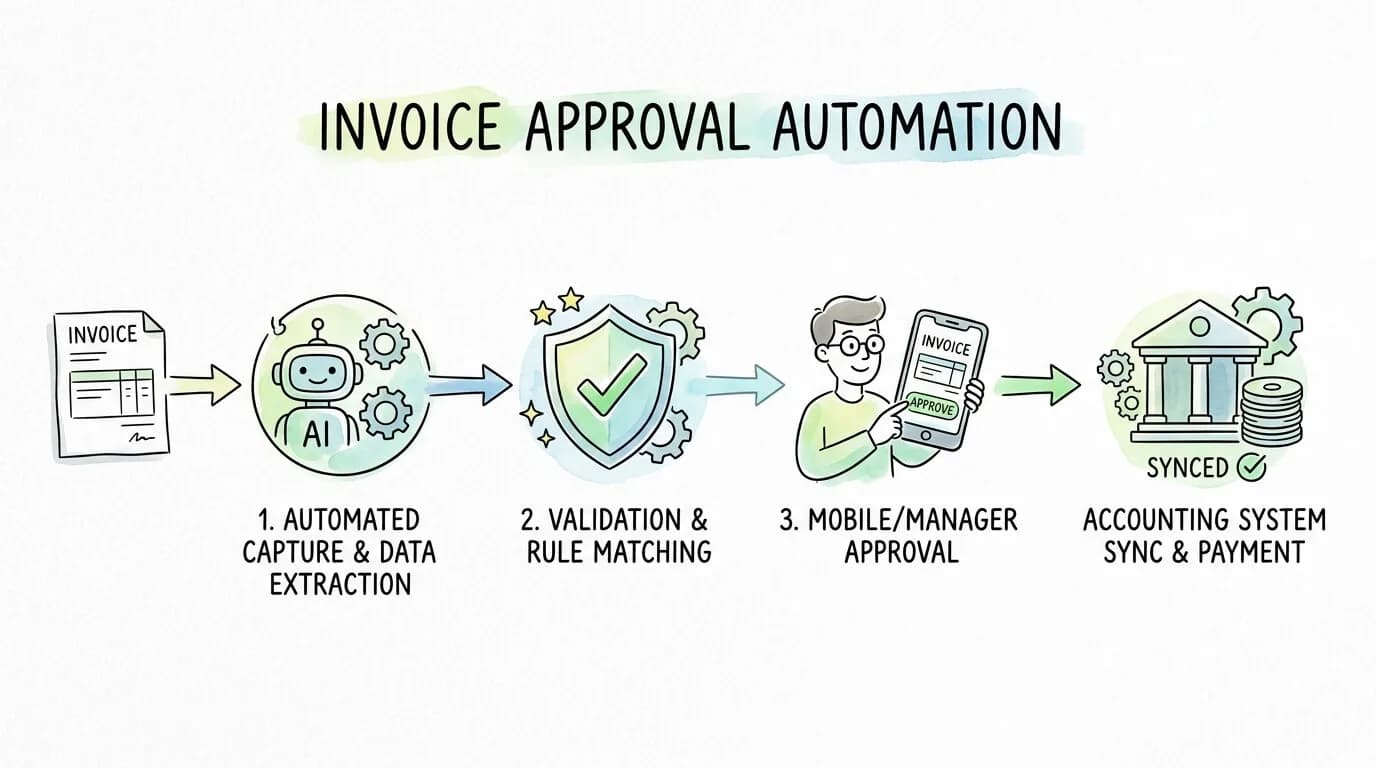
Every finance team has a version of the same story. An invoice arrives. Someone manually keys in the data. It sits in an email thread waiting for a manager who is traveling. The due date passes. A late fee arrives. The vendor calls. The AP team spends an afternoon untangling it. Multiply that by hundreds of invoices per month, and you have a process that quietly costs thousands of dollars and dozens of hours, every single cycle.
Invoice approval automation replaces that entire chain of manual steps with a system that captures, validates, routes, and syncs invoice data automatically. This guide covers exactly how it works, what it costs, what the ROI looks like in real numbers, and how to implement it without disrupting your team.
What Is Invoice Approval Automation?
Invoice approval automation is a technology-driven workflow that handles the complete lifecycle of a vendor invoice: from initial capture through data extraction, validation, approval routing, and final sync to your accounting system, with minimal or no manual intervention.
A fully automated invoice approval workflow replaces four manual processes: data entry, matching invoices to purchase orders, routing to approvers, and recording approved payments in the general ledger. Each of these steps is error-prone and time-consuming when done manually. Automation executes all four faster, more accurately, and with a complete audit trail that manual processes cannot match.
Pro Tip: Invoice approval automation is not the same as e-invoicing. E-invoicing is about the format invoices are sent in. Invoice approval automation is about what happens to the invoice after it arrives, regardless of its format.
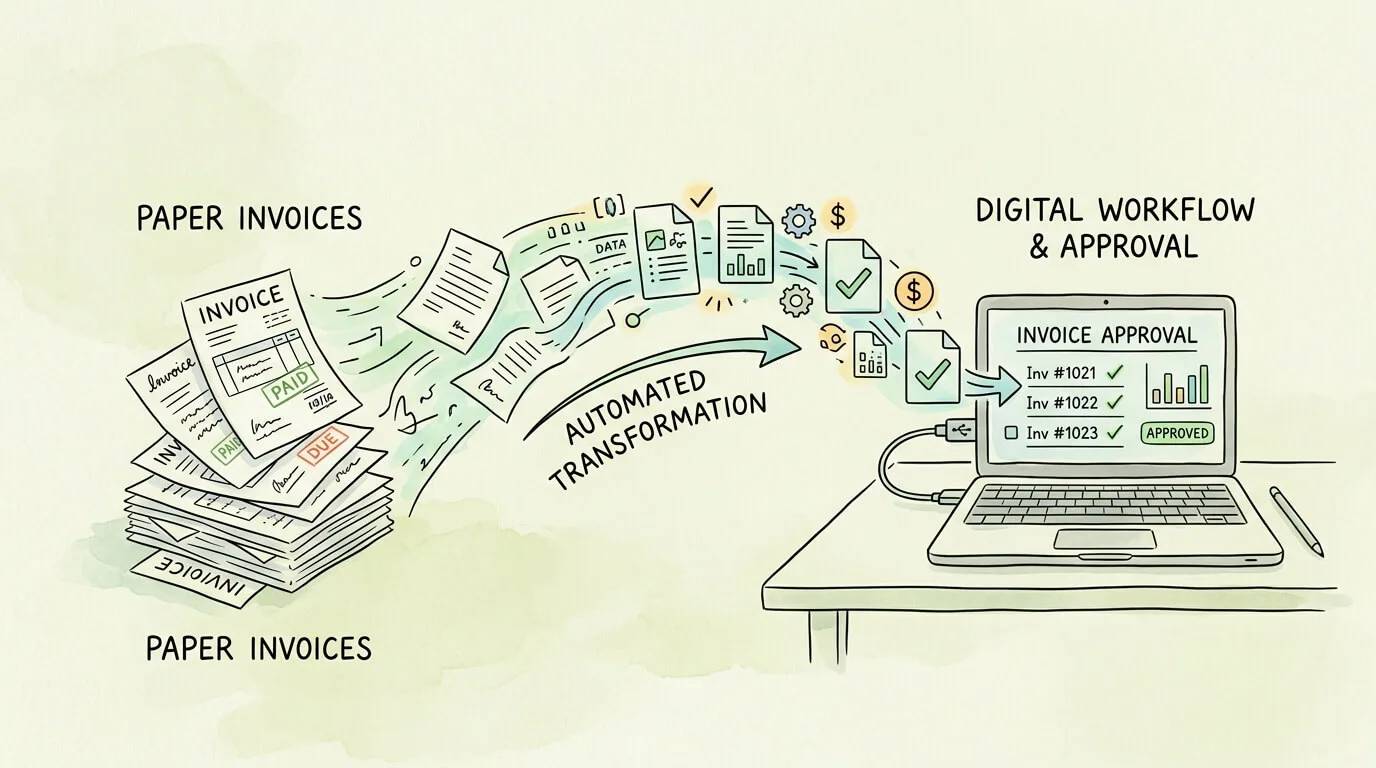
The True Cost of Manual Invoice Approval
Before evaluating automation, it helps to quantify what manual processing actually costs. Most finance teams significantly underestimate this number because the costs are distributed across salaries, late fees, missed discounts, and error corrections rather than appearing as a single line item.
According to the Institute of Finance and Management (IOFM), manually processing a single invoice costs between $9.40 and $15.00, depending on company size and complexity. Best-in-class automated systems bring that cost down to $2.78 per invoice, a reduction of more than 70%.
Here is what that looks like for businesses at different volumes:
| Monthly Invoice Volume |
Manual Cost (@ $12/invoice) |
Automated Cost (@ $2.78/invoice) |
Annual Savings |
| 200 invoices/month |
$28,800/year |
$6,672/year |
$22,128 |
| 500 invoices/month |
$72,000/year |
$16,680/year |
$55,320 |
| 1,000 invoices/month |
$144,000/year |
$33,360/year |
$110,640 |
| 2,500 invoices/month |
$360,000/year |
$83,400/year |
$276,600 |
And that is before accounting for:
- Early payment discounts lost: Organizations that automate improve their early-payment discount capture rate from roughly 20% to over 95% on eligible invoices. On $10 million in annual spend, that difference adds approximately $112,500 to the bottom line annually.
- Late payment penalties: Manual processes generate late fees that automated systems eliminate by ensuring invoices move through the workflow on schedule.
- Duplicate payments: Manual AP processing has a duplicate payment rate of 0.1% to 0.5%. On $5 million in annual payables, that is $5,000 to $25,000 paid twice, every year.
- Staff time: 63% of AP professionals report spending more than 10 hours per week on invoice processing tasks that automation can handle automatically.
Pro Tip: Run your own cost calculation: multiply your monthly invoice volume by $12 (industry average manual cost), then multiply by 12. That is your annual baseline. Automated systems typically deliver payback on implementation within 6 to 18 months.
How Invoice Approval Automation Works: 6 Stages
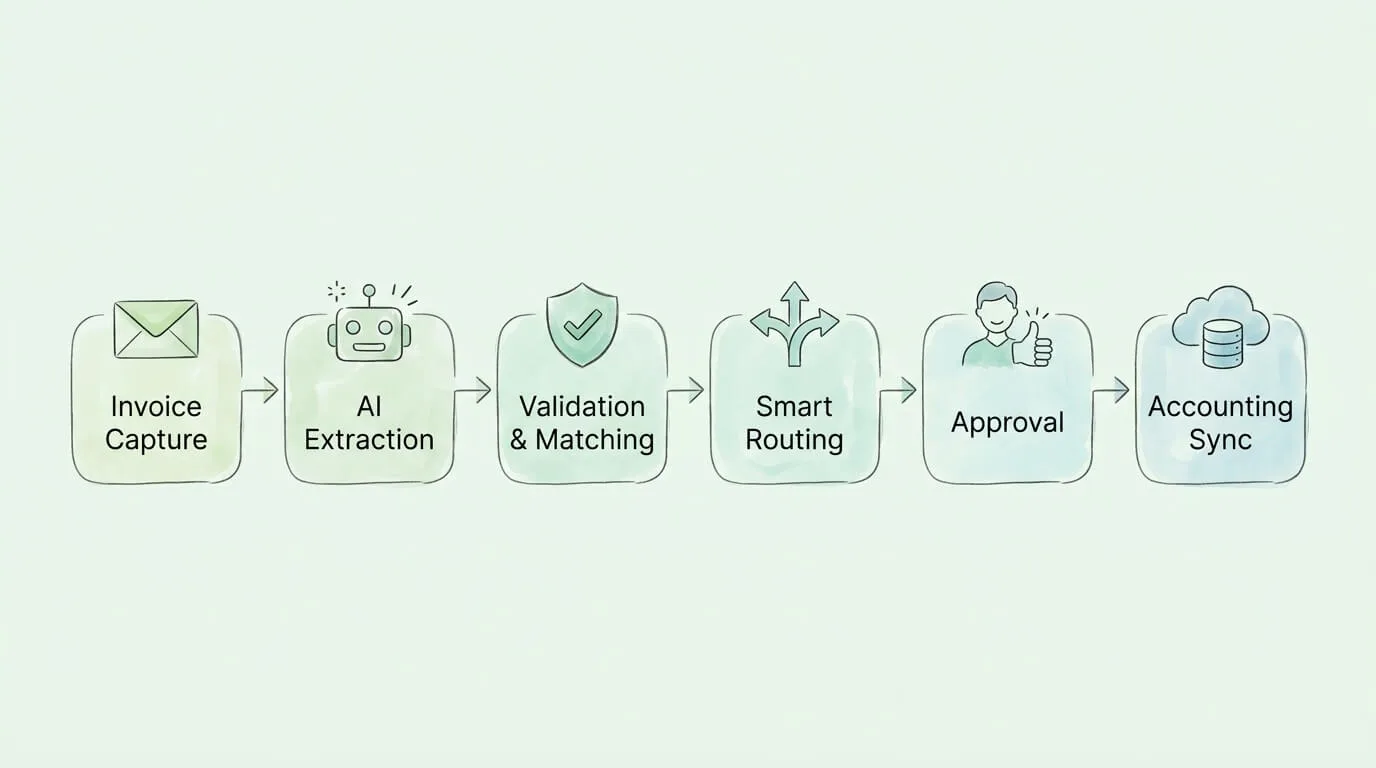
A well-designed automated invoice approval workflow moves every invoice through six discrete stages. Understanding each stage helps you evaluate whether a given platform actually delivers end-to-end automation or just digitizes one part of a still-manual process.
Stage 1: Multi-Channel Invoice Capture
Invoices arrive in many formats: PDF attachments in email, scanned paper documents, XML files from EDI systems, and submissions through supplier portals. A capable automation platform ingests all of them through a single intake point, whether that is a monitored email inbox, an API connection, or a vendor-facing upload portal.
Platforms like TallyScan connect directly to your email inbox and client portals, automatically detecting and collecting invoices the moment they arrive, without any manual sorting or forwarding required. For a broader look at the technologies behind multi-channel invoice ingestion, see our invoice capture software guide.
Stage 2: AI-Powered Data Extraction
Once captured, the invoice is processed by an AI extraction engine (typically combining OCR with machine learning) that identifies and pulls every relevant field: vendor name, invoice number, invoice date, due date, line items, quantities, unit prices, tax amounts, and total due.
Modern AI extraction systems achieve 95 to 99% accuracy out of the box, with confidence scores flagging any fields where certainty is lower for human review. This eliminates the data entry step entirely for the majority of invoices. For a deeper look at the extraction technology itself, see our guide on AI invoice extraction automation.
Stage 3: Automated Validation and Matching
With data extracted, the system validates the invoice against your existing records and business rules. This is where two critical matching processes occur:
2-Way Matching: The system compares the invoice to the original purchase order (PO). It checks vendor identity, agreed prices, item descriptions, and quantities. Any discrepancy triggers an exception flag rather than allowing a potentially incorrect payment to proceed.
3-Way Matching: For businesses with a receiving process, the system adds a third comparison: the goods receipt note (GRN). This confirms that the goods or services billed were actually received before payment is approved. 3-way matching is the gold standard for preventing billing fraud and overpayment. According to the AFP Payments Fraud & Control Survey, invoice and billing fraud remain among the most common attack vectors targeting businesses of all sizes. For a complete breakdown of how each matching type works in practice, see our invoice matching process guide.
| Match Type |
Documents Compared |
Best For |
Fraud Prevention Level |
| 2-Way Match |
Invoice + Purchase Order |
Service businesses, recurring vendors |
Moderate |
| 3-Way Match |
Invoice + PO + Goods Receipt |
Product/inventory businesses |
High |
| 4-Way Match |
Invoice + PO + GRN + Inspection Report |
Manufacturing, regulated industries |
Very High |
Stage 4: Rules-Based Intelligent Routing
After validation, the system routes the invoice to the correct approver automatically, based on rules you configure once. Common routing logic includes:
- By amount: Invoices under $500 auto-approve; $500-$5,000 route to department manager; above $5,000 require VP and CFO sign-off.
- By department/cost center: Marketing invoices route to the CMO; IT purchases go to the CTO; facility costs to the COO.
- By vendor type: New vendors always require an additional compliance review before the standard approval chain.
- By project code: Invoices coded to a specific project automatically include that project's budget owner in the approval chain.
The approver receives a notification on their device, reviews the invoice in the platform (or directly from the email notification), and approves or rejects with a single click. The entire interaction is logged with a timestamp and user ID.
Stage 5: Exception Handling and Escalation
Not every invoice flows through cleanly. A robust automation system handles exceptions without requiring manual intervention in the workflow itself. When an invoice fails a match or is flagged for review, it is routed to a designated exception queue with the specific discrepancy highlighted. If an approver does not act within a defined period, the system automatically escalates to their manager, preventing bottlenecks from stalling the entire queue.
Stage 6: Accounting Sync and Archiving
Once fully approved, the system pushes all verified invoice data directly to your accounting software: GL codes, vendor records, payment terms, and amounts, with no manual re-entry. This final sync closes the loop on invoice processing automation and keeps your general ledger accurate in real time.
The original invoice document and the complete approval log are archived in a searchable, tamper-evident digital record that is instantly retrievable for audits, vendor disputes, or internal review.
Key Features to Evaluate in an Invoice Approval Automation Platform
Not all platforms deliver the same depth of automation. This comparison framework helps you distinguish between systems that automate the entire workflow and those that only digitize individual steps.
| Feature |
Must-Have |
Nice-to-Have |
Red Flag if Missing |
| Multi-format invoice capture (email, PDF, portal) |
Yes |
— |
Yes |
| AI/OCR extraction with confidence scoring |
Yes |
— |
Yes |
| Configurable approval routing rules |
Yes |
— |
Yes |
| 2-way and 3-way PO matching |
Yes |
— |
Yes |
| Real-time dashboard with invoice status |
Yes |
— |
Yes |
| Immutable audit trail with timestamps |
Yes |
— |
Yes |
| QuickBooks / Xero / NetSuite integration |
Yes |
— |
Yes |
| Mobile approval interface |
Yes |
— |
— |
| Automatic escalation for stalled approvals |
Yes |
— |
— |
| Duplicate invoice detection |
Yes |
— |
— |
| Vendor portal / self-service submission |
— |
Yes |
— |
| ERP integration (SAP, Oracle) |
— |
Yes |
— |
| Multi-entity / multi-currency support |
— |
Yes |
— |
| Spend analytics and reporting dashboard |
— |
Yes |
— |
For a detailed breakdown of what differentiates platforms in this space, see our invoice automation software comparison guide.
The ROI of Invoice Approval Automation: Before and After
The most compelling case for automation is the measurable difference in operational metrics. Here is what a typical mid-size business (500 invoices per month) can expect across the first 12 months after full implementation:
| Metric |
Before Automation |
After Automation |
Improvement |
| Cost per invoice |
$12.00 |
$2.78 |
-77% |
| Average approval cycle time |
14 days |
2-3 days |
-80% |
| Invoice error rate |
~39% |
< 1% |
-97% |
| Early payment discount capture |
~20% |
> 90% |
+350% |
| AP staff hours on data entry |
40 hrs/week |
4 hrs/week |
-90% |
| Duplicate payments per year |
3-8 incidents |
Near zero |
-99% |
| Audit preparation time |
2-3 weeks |
< 2 days |
-90% |
| Vendor query resolution time |
24-48 hours |
< 1 hour |
-95% |
Source: IOFM 2025 AP Benchmarking Survey; Ardent Partners State of ePayables; industry aggregate benchmarks.
These gains compound over time. As your team spends less time on exceptions and manual work, they redirect capacity toward higher-value activities: vendor negotiations, spend analysis, and cash flow forecasting. For a guide on the KPIs and dashboards that track these gains over time, see our accounts payable tracking guide.
Pro Tip: When building the business case for automation internally, lead with the early payment discount recovery calculation. A 75-percentage-point improvement in discount capture on $5M in annual payables translates to approximately $56,250 in hard savings per year, often enough to justify the entire platform cost.
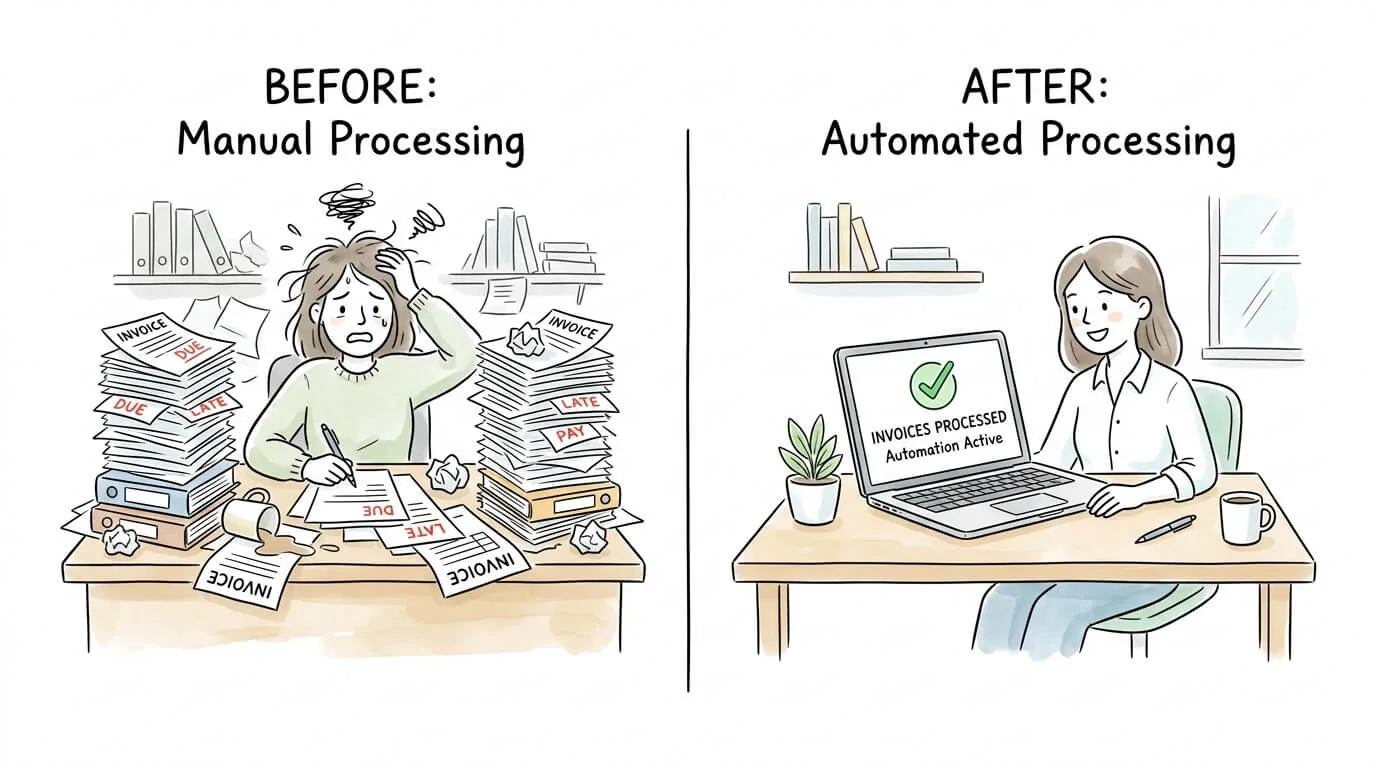
Common Mistakes to Avoid When Implementing Invoice Approval Automation
Most implementation failures are not technology failures. They are planning and change management failures. These are the five mistakes that most commonly undermine otherwise good automation projects.
Mistake 1: Automating a broken process. If your approval hierarchy is unclear or your PO data is inconsistent, automation will execute the broken process faster and at scale. Map and fix your current workflow first, then automate it.
Mistake 2: Defining rules too broadly. Approval rules that are too simple create a system where everything escalates to a senior manager, defeating the purpose. Invest time up front in defining precise routing rules for each department, cost center, and spend threshold.
Mistake 3: Skipping the pilot phase. Launching automation across all departments simultaneously creates widespread disruption if anything is misconfigured. Start with a single department or vendor group, validate the system, then expand.
Mistake 4: Neglecting vendor onboarding. If your vendors still email invoices in inconsistent formats or to the wrong address, your capture rate will be low. Communicate the new submission process to all vendors before go-live and provide clear instructions.
Mistake 5: Treating it as a one-time setup. Approval rules need to be reviewed quarterly as your business changes. Vendor lists expand, thresholds shift, and team structures evolve. Assign an owner for the system who reviews and updates the configuration regularly.
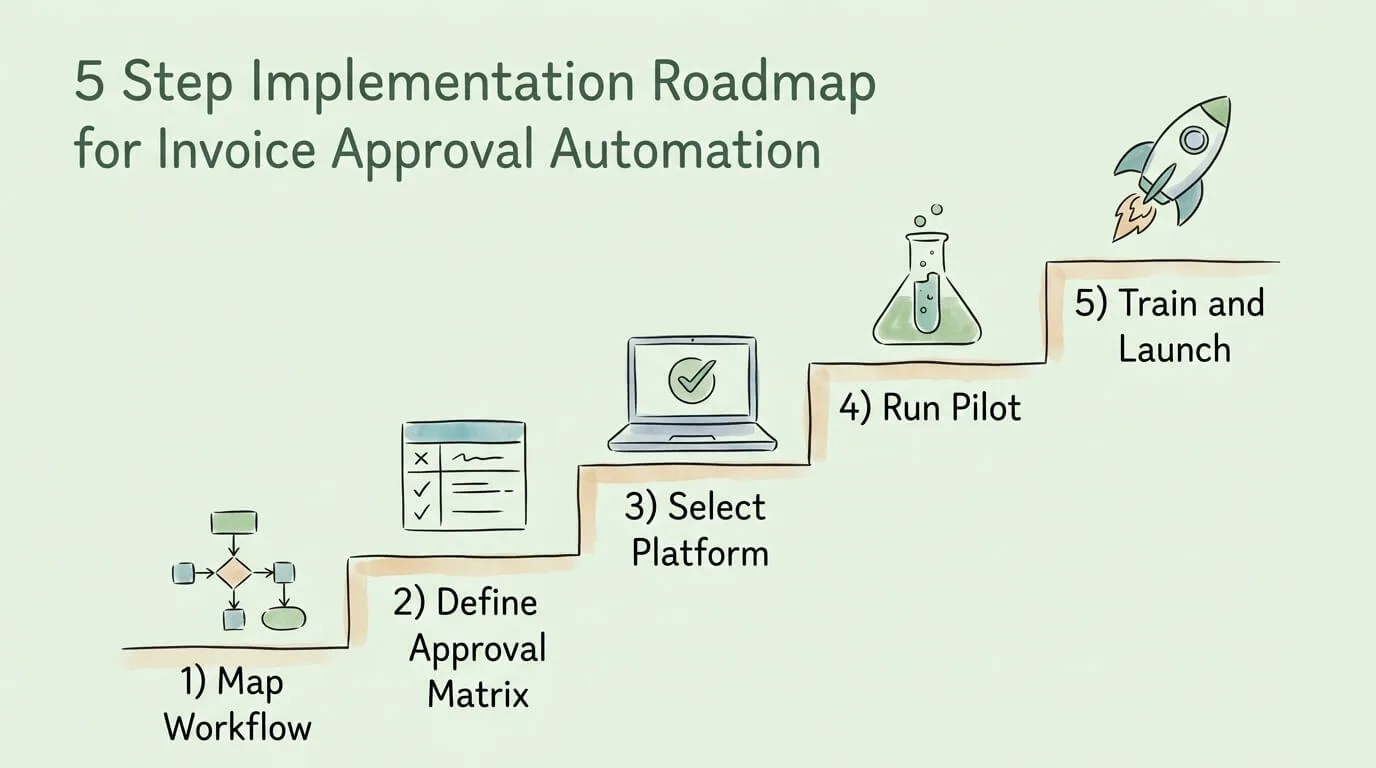
5-Step Implementation Roadmap
Step 1: Map Your Current Workflow in Detail
Trace every step from invoice receipt to payment. Document who touches it, how long each step takes, where invoices most commonly stall, and what errors occur most frequently. This baseline measurement is also how you will prove ROI after implementation.
Key questions to answer:
- What is your average invoice processing time today?
- What percentage of invoices require manual exception handling?
- What is your current early payment discount capture rate?
- How many duplicate payments occurred in the past 12 months?
Step 2: Define Your Approval Matrix
Your invoice approval matrix is the set of rules that determines who must approve which invoices under what conditions. This document becomes the configuration blueprint for your automation platform.
A well-structured approval matrix defines:
- Dollar thresholds for each approval level (e.g., < $1,000: auto-approve with PO match; $1,000-$10,000: department manager; > $10,000: CFO)
- Department-specific approvers for each cost center
- Vendor categories requiring additional compliance review
- Rules for invoices with no matching PO (PO-less invoices)
For best practices on building this framework, see our guide on accounts payable automation best practices.
Step 3: Select and Configure Your Platform
Evaluate platforms against the must-have feature list above. Beyond features, assess:
- Integration depth: Does it sync bidirectionally with your specific accounting software version?
- Implementation timeline: Can you be fully live within 30 days, or does it require months of professional services?
- Support model: Is there live support, or are you on your own after onboarding?
- Pricing structure: Per-invoice, per-user, or flat monthly fee? Which model fits your volume profile?
For accounting software integration requirements, see our guide on accounting software integration.
Step 4: Run a Controlled Pilot
Select one department (typically the one with the highest invoice volume) and three to five regular vendors. Run the full workflow for four weeks. Measure:
- Capture success rate (what percentage of invoices are captured automatically)
- Extraction accuracy rate (what percentage of fields are extracted correctly)
- Approval cycle time (compared to your pre-automation baseline)
- User adoption (are approvers using the system or reverting to email?)
Use the pilot findings to refine your routing rules before the company-wide rollout.
Step 5: Train, Launch, and Iterate
Conduct role-specific training sessions: one for AP staff (system administration, exception handling), one for approvers (how to review and approve from any device), and one for finance leadership (dashboard and reporting). The goal is not just to explain how the system works, but to explain why it makes each person's job easier.
Set a formal 30-day and 90-day review cadence to assess performance against your baseline metrics and make configuration improvements. For broader guidance on optimizing the end-to-end AP workflow beyond the approval step itself, see our guide on how to streamline invoice processing.
Frequently Asked Questions
What is an invoice approval workflow?
An invoice approval workflow is the sequence of steps an invoice goes through from receipt to payment authorization. In a manual workflow, this involves physical or email hand-offs between AP staff, department managers, and finance leadership. In an automated workflow, the same steps are executed by software: the invoice is captured, validated against purchase orders, routed to the correct approver based on predefined rules, and synced to the accounting system after approval, with no manual data entry at any stage.
How long does it typically take to approve an invoice?
In a manual AP environment, the average invoice approval cycle takes 10 to 14 days. With invoice approval automation, that cycle compresses to 2 to 3 days for standard invoices and same-day for invoices that match all validation rules and fall within auto-approve thresholds. The primary driver of speed is eliminating the time invoices spend waiting in email inboxes or on physical desks for approver action.
Who is responsible for approving invoices in an automated system?
Invoice approval responsibility is defined by the approval matrix you configure during setup. Typically, department managers approve invoices related to their cost centers, with senior management or CFO approval required above a defined dollar threshold. The automation system enforces this matrix automatically, routing each invoice to the correct approver without AP staff having to determine who should review each invoice manually.
How does invoice approval automation integrate with QuickBooks or Xero?
Most modern invoice approval automation platforms offer pre-built, bidirectional integrations with QuickBooks, Xero, NetSuite, Sage, and other major accounting systems. Once an invoice is approved, the system automatically pushes the invoice data, including vendor information, GL coding, and payment terms, directly into the accounting software. This eliminates manual re-entry and ensures your general ledger is always current. Before selecting a platform, verify that it supports the specific version and edition of your accounting software.
Is invoice approval automation suitable for small businesses?
Yes. Cloud-based SaaS platforms have made invoice approval automation accessible and affordable for businesses processing as few as 50 invoices per month. The ROI argument is actually stronger for small businesses because their AP staff typically wear multiple hats: time saved on invoice processing has a higher opportunity cost than at large companies with dedicated AP departments. Most platforms offer pricing that scales with invoice volume, so you pay proportionally to your usage.
How secure is invoice approval automation software?
Reputable invoice approval automation platforms are built on enterprise-grade security infrastructure. Standard security features include AES-256 data encryption at rest and in transit, role-based access controls (so users only see invoices relevant to their role), multi-factor authentication, and immutable audit logs that record every action with a timestamp and user ID. Leading platforms also carry SOC 2 Type II certification, which is an independent audit confirming that their security and availability controls meet recognized standards. For businesses in regulated industries, verify that the platform also meets any specific compliance requirements (HIPAA, PCI-DSS, etc.).
What is the difference between invoice approval automation and full AP automation?
Invoice approval automation specifically refers to the workflow from invoice receipt to payment authorization: capturing invoice data, validating it, and routing it through the approval chain. Full AP automation extends this to include the payment execution step itself (initiating ACH transfers, checks, or virtual card payments) and often includes supplier onboarding, contract management, and spend analytics. For most small and mid-size businesses, starting with invoice approval automation delivers the majority of the operational benefit at a lower implementation complexity. Full AP automation is the natural next step once the approval workflow is running smoothly. For the full scope of what AP automation covers, see our guide on automating accounts payable.
Build an AP Workflow That Runs Without You
Manual invoice approval is not a finance problem. It is a systems problem, and systems problems have systems solutions. Every hour your AP team spends on data entry, approval chasing, and error correction is an hour not spent on the analytical work that actually improves your company's financial position.
The path forward is straightforward: map your current workflow, define your approval matrix, and implement a platform that automates the steps between invoice receipt and accounting sync. Most businesses reach full implementation within 30 to 60 days and see measurable ROI within the first quarter.
If your biggest bottleneck is the gap between an invoice arriving and being fully processed, TallyScan handles the entire workflow automatically: inbox capture, AI extraction, 3-way matching, and direct accounting sync. Read about the core benefits of accounts payable automation to see what a fully automated AP function looks like in practice.
Ready to eliminate the manual work from your invoice approval process? Start your free trial of TallyScan today and have your first invoices processing automatically within the hour.